Why phones get hot in the first place
A phone is a small computer with no fan and almost no room for airflow. Everything it does, from loading a map to recording a video, creates heat, and the phone sheds that heat through its body. That is why your phone feels warm after a long video call or a gaming session. Warm is normal. Hot enough that you want to put it down is not, and hot while the phone is doing nothing at all is a warning sign.
Heat has a few usual suspects. The first is workload: too many apps running at once, a demanding app, or a software update running in the background. The second is the battery itself. Batteries generate heat as they charge and discharge, and an old or damaged battery generates more of it than a healthy one. The third is the environment. A phone left on a car dashboard in a Texas summer, or sitting in direct sun on a patio in Fort Worth, can overheat without anything being wrong with it at all. The fourth is a fault: a swollen battery, a short in the charging port, or water damage can all make a phone run hot.
Start with the easy fixes
Before you spend any money, try the fixes that cost nothing.
First, close the apps you are not using and restart the phone. A stuck app or a runaway background process is one of the most common causes of a phone that is hot for no reason. A restart clears it. If the phone cools down after the restart and stays cool, the problem was software, and you are done.
Second, check what is using your battery. Both iPhone and Samsung phones show battery usage by app in Settings. If one app is using far more battery than everything else, that app is working your phone hard. Update it, or delete it and reinstall it. A social media app or a game that keeps refreshing in the background can keep the processor busy all day.
Third, turn off what you do not need. Bluetooth, location services, and a weak cellular signal all make the phone work harder. In a building with poor signal, your phone burns energy searching for a tower, and that shows up as heat. Switching on Wi-Fi calling or airplane mode in a dead zone can calm it down fast.
Fourth, take the case off while the phone cools. Thick cases trap heat, and a phone in a heavy case takes longer to cool down. If your phone is hot, slip the case off and set the phone on a cool, hard surface for a few minutes. Do not put it in the fridge or freezer, though. Rapid cooling can cause condensation inside the phone, and moisture inside a phone is worse than the heat you started with.
Charging habits that cause overheating
How you charge matters more than most people realise. A phone that gets hot while charging is usually either using a poor-quality charger or charging while doing something demanding at the same time.
Use the charger and cable that came with your phone, or a certified replacement. Cheap chargers often deliver uneven power, and a damaged cable can make the phone work harder to charge. If your phone only gets hot with one particular cable or charger, that accessory is the problem, not the phone.
Try not to use the phone heavily while it charges. Playing a game or streaming video while the battery charges at the same time means the phone is heating up from both directions. Let it charge on its own for a while and see if the heat goes away.
Also check the charging port. Lint and dust collect in charging ports, especially if you carry your phone in a pocket. A clogged port can cause a loose connection, which makes charging inefficient and can generate extra heat. You can check for visible lint, but do not jam anything metal into the port. If the port looks dirty or the cable wobbles when plugged in, a professional cleaning is quick and cheap.
When heat means the battery is the problem
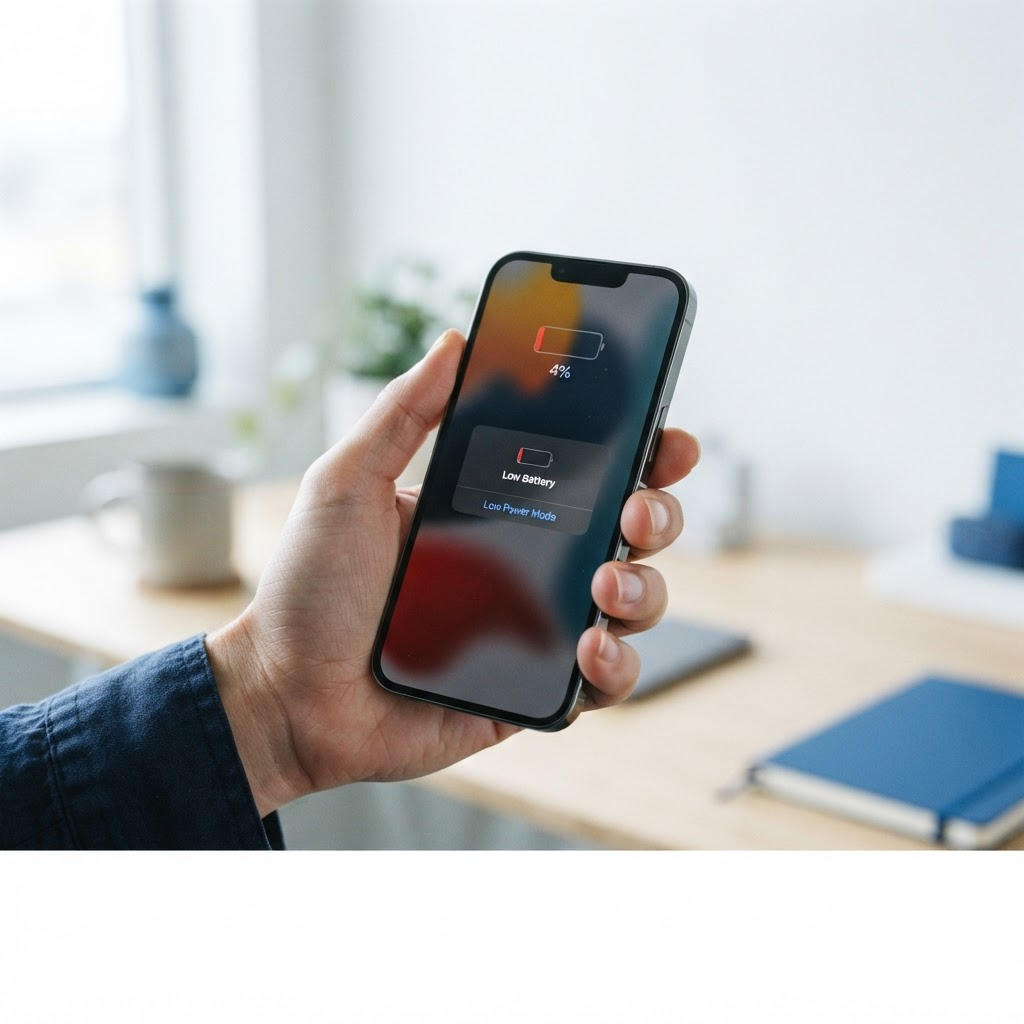
If your phone gets hot even when you are not using it, and the battery drains much faster than it used to, the battery itself is the most likely cause. Batteries wear out with age and with heat, and a worn battery works harder to hold a charge, which generates more heat in return. It is a cycle that only gets worse.
The warning signs are hard to miss once you know them. The battery percentage drops quickly, the phone shuts off with charge still showing, or the back of the phone feels slightly raised or the screen is lifting at the edges. A bulging battery is a safety issue, not just an annoyance. Stop using the phone and do not try to charge it further. A swollen battery needs to be replaced by a professional, and it should not be punctured or bent.
A battery replacement from Fix Vise starts from $49.99, and for most iPhone and Samsung models it is a same-visit job. If your phone is two or three years old and has started running hot with a weak battery, a fresh battery often makes it feel like a new phone again, and it costs far less than replacing the device.
When the heat is not the battery
Sometimes the phone runs hot and the battery is fine. A phone that heats up during calls can have a faulty speaker or microphone circuit. A phone that gets hot only when you open the camera can have a camera hardware fault. A phone that started overheating right after a drop or after getting wet may have internal damage that no setting change will fix. Water damage is especially sneaky: a phone can seem fine after a spill and then start overheating weeks later as corrosion spreads inside.
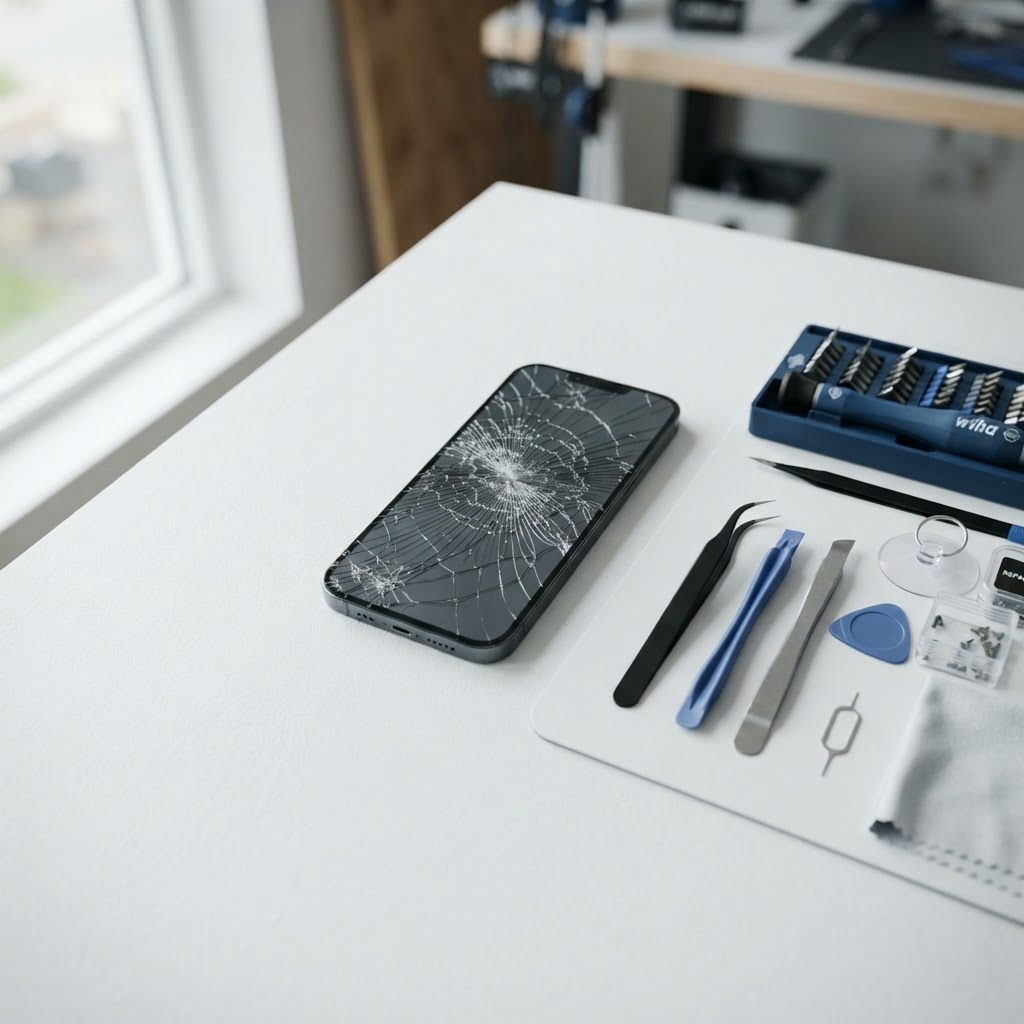
If you have tried the software fixes, changed your charger, and the phone still runs hot, the next step is a proper diagnosis. A technician can test the battery health, check the charging port, and look for signs of board-level damage or water inside the phone. That diagnosis tells you whether the fix is a battery, a port cleaning, or something deeper, before you commit to any repair.
How to keep your phone cool in a Texas summer
Fort Worth summers are hard on phones. A car parked in the sun can reach temperatures that will shut a phone down, and a phone left on a dashboard can overheat in minutes. Keep your phone out of direct sun and out of hot cars. If you are spending the day outside, keep it in a bag or a shaded pocket rather than on a table in the sun. If your phone shows a temperature warning, move it somewhere cool and let it recover on its own. Do not charge it while it is overheated, and do not force it to keep working through the warning.
Frequently Asked Questions
Why is my phone overheating for no reason?
The most common causes are a stuck app or background process, a worn battery, a poor-quality charger, or a weak cellular signal making the phone work hard. Restart the phone, check battery usage by app in Settings, and try a different charger. If it stays hot while idle, the battery or another hardware fault is the likely cause.
Is it bad if my phone gets hot while charging?
A little warmth while charging is normal, but a phone that gets uncomfortably hot while charging is not. Use a certified charger and cable, avoid heavy use while charging, and check the charging port for lint or damage. If it still overheats, have the battery and port checked.
Should I put my overheating phone in the fridge?
No. Rapid cooling can cause condensation inside the phone, and moisture inside a phone causes more damage than the heat did. Take the case off and set the phone on a cool, hard surface out of direct sun instead.
My phone is hot and the battery drains fast. Is the battery dying?
That combination usually points to a worn battery. Check your battery health in Settings, and watch for the phone shutting off with charge still showing. A battery replacement starts from $49.99 and often fixes both the heat and the fast drain in one visit.
Can water damage cause a phone to overheat?
Yes. Water damage can cause corrosion inside the phone that shows up weeks after the phone got wet, and overheating is one of the symptoms. If your phone started running hot after a spill or a drop in water, have it checked before you keep using it, and do not charge a wet phone.
When should I get a hot phone checked by a professional?
If the phone stays hot after a restart and a charger change, if the battery drains much faster than it used to, if the back of the phone feels raised, or if the heat started after a drop or water exposure, get it diagnosed. These are signs of a hardware fault that a settings change will not fix.
Book a diagnosis for your overheating phone
A hot phone is usually fixable, and the fix is often simpler than you expect. Try the steps above first, and if the heat keeps coming back, do not keep guessing. Book a visit at [fixvise.com/book](https://www.fixvise.com/book) or call (979) 766-9228, and a Fix Vise technician will come to you anywhere in Fort Worth and the DFW Metroplex to diagnose it and fix it on the spot.