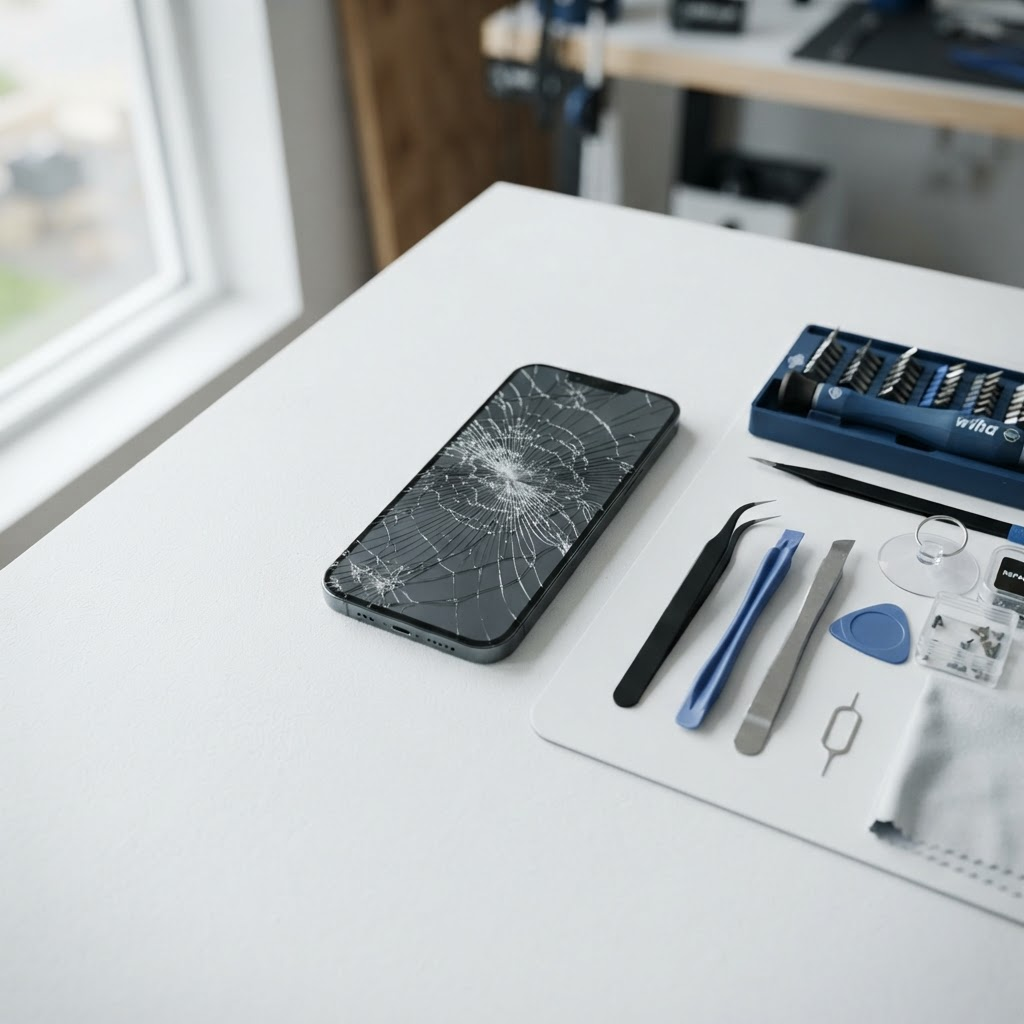
iPhone Face ID Not Working? Causes, Fixes, and Repair Cost in Fort Worth
You pick up your iPhone, glance at it, and nothing happens. No little lock icon opening, no Apple Pay, no App Store download without typing your passcode. When Face ID stops working, it feels like a small thing until you realize how many times a day you rely on it to unlock your phone, approve a payment, or sign in to your bank.
The good news is that a Face ID problem is often something simple: a dirty sensor, a screen protector covering the camera, or a software glitch. And when it is not simple, it is usually still fixable. Here is what causes Face ID to stop working, the fixes worth trying first, and what a Face ID repair costs in Fort Worth and the DFW Metroplex.
How Face ID works, and why it stops
Face ID uses the TrueDepth camera system at the top of your iPhone screen. It projects thousands of tiny infrared dots onto your face and reads the pattern back to confirm it is you. Because the whole system lives in a small area near the earpiece, it is sensitive to three things: anything blocking the sensors, a software problem, and physical damage.
The most common causes are easy to sort into groups. A software glitch after an iOS update can turn Face ID off or make it fail every time. A case, screen protector, or layer of grime covering the TrueDepth camera can block the sensors. A drop can crack the screen right where the sensors sit, or knock a tiny component loose inside. Water damage can do the same. And a screen replacement done badly can break Face ID entirely, because the Face ID parts are paired to the original screen and have to be moved over carefully when a new screen goes on.
Knowing which group you are in saves you time, because the fixes below are ordered from the simplest to the most involved.
7 fixes to try before paying for a repair
1. Clean the TrueDepth camera area. Start with the simplest fix. Wipe the top of the screen, around the front camera and the earpiece, with a soft, slightly damp, lint-free cloth, then dry it. Makeup, sunscreen, fingerprints, and pocket lint all build up there, and even a thin film can be enough to confuse the infrared sensors. Test Face ID again after cleaning.
2. Take off the case and screen protector. A case that covers the top edge of the screen, or a screen protector that sits over the front camera cutout, can block the TrueDepth camera. Peel the screen protector off and try Face ID without it, and take the case off too. If Face ID starts working again, the accessory was the problem, and a properly fitted protector that leaves the camera area clear will fix it for good.
3. Restart the iPhone. A restart clears frozen processes and temporary glitches without touching your data. On iPhone 8 and later, press and quickly release the volume up button, press and quickly release the volume down button, then press and hold the side button until the Apple logo appears. Test Face ID once the phone is back on. This alone fixes a surprising number of Face ID problems, especially ones that started right after an update.
4. Check your Face ID settings and set it up again. Go to Settings, then Face ID and Passcode, and check that Face ID is switched on for the things you use it for: iPhone Unlock, Apple Pay, iTunes and App Store, and Password AutoFill. If it is on but still failing, tap Reset Face ID and set your face up again in good lighting, holding the phone at a normal distance and moving your head slowly in a circle as asked. A fresh enrollment fixes problems caused by a poor first setup or a big change in your appearance, like a new pair of glasses or a beard.
5. Update iOS. Apple regularly fixes Face ID and camera bugs in software updates, and a Face ID problem that started after an update is sometimes fixed by the next one. Go to Settings, then General, then Software Update, and install anything available. Make sure the phone has at least 20 percent battery, or plug it in with a charger you trust, before updating.
6. Reset all settings. If a restart and an update did not help, a corrupted setting may be interfering with Face ID. Go to Settings, then General, then Transfer or Reset iPhone, then Reset, then Reset All Settings. This does not delete your photos, apps, or messages. It resets things like your Wi-Fi passwords, wallpaper, and display settings back to their defaults, so you will need to set those up again. Set Face ID up fresh afterwards and test it.
7. Check for water damage and stop charging a wet phone. If the phone has been dropped in water, caught in heavy rain, or left in a steamy bathroom, moisture inside the TrueDepth camera area can stop Face ID from working. Wipe the phone dry and leave it in a dry, well-ventilated place for a while. Do not charge a wet phone, because charging it can cause more damage. If Face ID still does not work after the phone is fully dry, the sensors themselves may need a repair. See our guide on what to do after dropping your phone in water for the full steps.
When it is a hardware problem
If you have worked through every fix above and Face ID still fails, or your iPhone shows a message saying Face ID is not available, the problem is most likely hardware. The signs to watch for are a cracked screen over the front camera area, a Face ID failure that started right after a drop, and Face ID failing after a screen replacement somewhere else. That last one is common: a screen replacement that does not transfer the original Face ID parts properly can leave Face ID dead, and the fix is a careful repair that restores those parts rather than a new screen alone.
A hardware Face ID problem needs a technician who knows the TrueDepth system, because the parts involved are small and the phone has to be opened carefully. This is also a case where a proper diagnosis matters before anyone quotes a price, since the repair could be as simple as reseating a connector or as involved as replacing a damaged sensor assembly.
What does Face ID repair cost in Fort Worth?
Face ID repair costs depend on your iPhone model and on what is actually wrong, so there is no single price for every phone. Repairs start from $49.99, and a software and visual diagnostic starts at $19.99, waived if you go ahead with the repair. For exact per-model prices, see our [iPhone repair cost guide](https://www.fixvise.com/pricing/iphone-repair-cost), which lists screen and battery prices for every iPhone we service, and book a visit from there.
One thing worth knowing before you book anywhere: be wary of a repair shop that quotes a Face ID fix without looking at the phone first. A proper repair starts with a diagnosis, because replacing a screen will not help if the problem is a sensor, and replacing a sensor will not help if the problem is software. Fix Vise diagnoses the phone first, then quotes the repair, so you know what you are paying for before any work starts.
Why on-site repair makes sense for Face ID
Face ID is tied to your phone's security, so you do not want to hand the phone over and wait days for it to come back. Fix Vise is an on-site repair service: a technician comes to your home or office anywhere in Fort Worth and the DFW Metroplex, diagnoses the phone in front of you, and completes the repair in a single visit. Repair time varies by repair type, and every repair includes a 30-day warranty. You keep your phone the whole time, you see exactly what is being done, and you can test Face ID yourself before the technician leaves.
Frequently Asked Questions
Can Face ID be fixed after a bad screen replacement?
Often, yes. If the original Face ID parts are still intact, a careful repair can restore them. If the parts were damaged or thrown away during the first repair, the options are more limited, which is why it is worth having screen work done by a technician who handles Face ID parts properly in the first place.
Will a Face ID repair erase my photos or data?
No. A Face ID repair does not touch your photos, messages, or apps. It is still smart to back up your iPhone before any repair, just as a precaution.
How long does a Face ID repair take?
Repair time varies by repair type and by what the diagnosis finds. A software fix can take minutes, while a hardware repair takes longer. Because Fix Vise repairs on-site in a single visit, you will know the timing once the phone has been diagnosed.
Is it worth repairing Face ID, or should I just use my passcode?
That depends on how you use your phone. If you use Apple Pay, banking apps, or password AutoFill, Face ID saves you time and typing dozens of times a day. A passcode works fine as a backup, but it is not the same. If the repair costs less than living without Face ID is worth to you, it is worth fixing.
My Face ID stopped working after I dropped my phone in water. What should I do?
Dry the phone, do not charge it, and have it checked before you use it again. Water damage can keep spreading inside the phone even after the outside looks dry, and charging a wet phone can make it worse. A technician can check whether the TrueDepth camera is damaged or whether the problem is elsewhere.
Face ID is one of those features you only notice when it stops working. Try the fixes above first, and if none of them brings it back, the problem is most likely hardware, and a proper diagnosis is the next step. Book a visit at [fixvise.com/book](https://www.fixvise.com/book) or call (979) 766-9228, and a Fix Vise technician will come to you anywhere in Fort Worth and the DFW Metroplex to diagnose it and fix it on the spot.