Laptop Charging Port Repair Cost in Fort Worth: What You Will Actually Pay
There is a special kind of frustration reserved for a laptop that will only charge when you hold the cable just right. You prop it at an angle, you wedge the cable against a book, you stop moving the laptop entirely — and then one small bump later, the charging light goes out again. If that sounds familiar, your charging port is probably the problem, and it is one of the most common laptop repairs we see across Fort Worth and the DFW Metroplex.
The good news is that a faulty charging port does not usually mean a dead laptop. In most cases it is a single part that can be repaired or replaced, and the rest of the machine — your files, your programs, your screen — is completely fine. Here is what laptop charging port repair actually costs in Fort Worth, what pushes the price up or down, and how to tell whether the port, the charger, or the battery is to blame.
Why laptop charging ports fail
A laptop charging port works hard. Every day, sometimes several times a day, a plug goes in and comes out. Over months and years, that wear adds up: the port loosens inside the case, its internal contacts wear down, and the joints that connect it to the board can crack from the constant movement of the cable.
Physical damage is the other big cause. A laptop yanked off a table by its charging cable, a charger that gets tripped over, or a plug forced in at the wrong angle can bend the pins inside the port or break the port away from its mount. Once that happens, the connection becomes unreliable, and it only gets worse with continued use.
Dust and debris play a part too. Laptops live on desks, beds, couches, and kitchen tables, and the charging port is an open hole that collects dust, crumbs, and pet hair. A clogged port can stop a plug from seating fully, which looks exactly like a broken port until it is cleaned out. Finally, power surges and cheap replacement chargers can damage the charging circuitry behind the port, which is one reason a proper diagnosis matters before any part is ordered.
Signs your laptop charging port needs repair
You do not need special tools to spot a failing charging port. Watch for these signs:
1. The laptop only charges at certain angles. This is the classic symptom. If you have to hold, prop, or wiggle the cable to get the charging light on, the port's contacts are worn, loose, or damaged. It will not fix itself, and continued wiggling usually makes the damage worse.
2. The charging light flickers or comes and goes. A connection that drops in and out while the laptop sits still points to a loose port or a damaged plug, not to a software problem.
3. The plug feels loose in the port. A healthy port grips the plug firmly. If the plug slides in too easily, falls out on its own, or wobbles side to side, the port has lost its grip.
4. The laptop charges with one charger but not another. Before blaming the port, test with a charger you know is good and rated for your laptop. If no known-good charger works, the port or the internal charging circuit is the likely culprit.
5. The port looks damaged or pushed in. Bent pins, a cracked plastic tongue inside the port, or a port that has sunk into the case are all signs of physical damage that need a repair, not a cleaning.
6. The battery percentage falls even while plugged in. If the laptop is plugged in and still losing charge under normal use, it may not be drawing power properly through the port, or the battery itself may be worn out. A technician can tell which one it is.
Try this first, before paying for a repair
A few simple checks can save you a repair bill, and they are worth doing before you book anything.
Test a different charger. Chargers fail far more often than ports do. Borrow a charger that matches your laptop's voltage and wattage, or test your charger on another compatible laptop. If a different charger works, you need a charger, not a repair. Using a charger with the wrong wattage is not a good test, though — a weak charger may not keep up with a laptop under load, and the wrong voltage can cause damage, so match the specs on your original charger.
Try a different outlet. A dead outlet, a tripped power strip, or a loose wall socket has fooled plenty of people into thinking their laptop was broken. Plug the charger directly into a wall outlet you know works.
Clean the port gently. With the laptop powered off and unplugged, look inside the port with a flashlight. If you can see dust or debris, remove it carefully with a wooden toothpick or a soft brush. Never use anything metal inside the port, and never blow hard into it with your mouth — moisture is the last thing a charging port needs. If the plug suddenly clicks in firmly after cleaning, you may be done.
Check the cable itself. Run your fingers along the cable, especially near both ends where it bends most. A cable that is frayed, kinked, or swollen at the connector is a safety risk and should be replaced, even if it still sometimes works.
If you have tried a known-good charger, a good outlet, and a clean port, and the laptop still will not charge reliably, the problem is inside the machine, and it is time for a professional diagnosis.
What laptop charging port repair costs in Fort Worth
Charging repairs from Fix Vise start from $49.99, and your exact total is confirmed before booking. The final price depends mainly on your laptop model and on what the repair actually involves, and there is no one-size-fits-all number, because laptops are built very differently from one another.
The biggest price factor is how the port is built into your laptop. On some laptops, the charging port sits on a small separate board or a cable that can be swapped out fairly quickly. On others, especially thinner ultrabooks and many MacBooks, the port is soldered directly to the main board, which makes the repair more involved and the part harder to source. Your model decides which kind you have, and that is why a quote always starts with the exact model, not just the brand.
The extent of the damage matters too. A loose port that needs replacing is one job. A port that has damaged the board around it, or charging circuitry hurt by a surge or a wrong charger, is a bigger job, and a good technician will tell you honestly which one you are facing before any work starts. Part availability plays a part as well: ports for popular Dell, HP, Lenovo, and Apple models are usually easy to source, while ports for older, rarer, or very new models can take longer to track down. For per-model pricing, see our [laptop repair cost guide](https://www.fixvise.com/pricing/laptop-repair-cost), and book at [fixvise.com/book](https://www.fixvise.com/book) for an exact quote on your model.
One thing to watch for with any repair quote: make sure it covers the diagnosis, not just the part. A charging problem can look like a port issue and turn out to be a battery issue, or the other way around. A proper check before ordering parts is what keeps you from paying for the wrong repair.
Port, battery, or charger: how to tell the difference
These three problems feel very similar from the outside, but they are very different repairs. If it charges fine with a different charger, the charger or cable was the problem. If it only charges at an angle, or the plug feels loose, the port is the likely problem. If it charges to 100 percent but drains in an hour or two, or shuts off while it still shows charge left, the battery is the likely problem, even if the port is fine. If it will not charge with any charger, and the port looks clean and undamaged, the battery or the internal charging circuitry may be at fault, and that needs a hands-on diagnosis.
This is also why you should not keep forcing a damaged port to work. Repeated wiggling can bend pins further, crack joints, and in some cases damage the board the port sits on, turning a straightforward port replacement into a larger repair.
Repair or replace the laptop?
For most laptops, a charging port repair is clearly worth it. The port is one part, and replacing it restores a machine that may otherwise have years of useful life left. If your laptop still runs the programs you need and has no other major damage, repairing the port almost always costs far less than replacing the whole laptop, and you keep all your files and settings exactly where they are.
The honest exception is a very old laptop that already has several other problems — a failing battery, a cracked screen, and a worn keyboard, for example. In that case, ask for a straight answer about the total repair cost versus the value of the machine before deciding. A trustworthy repair service will give you that answer rather than pushing the repair.
How Fix Vise handles a laptop charging port repair
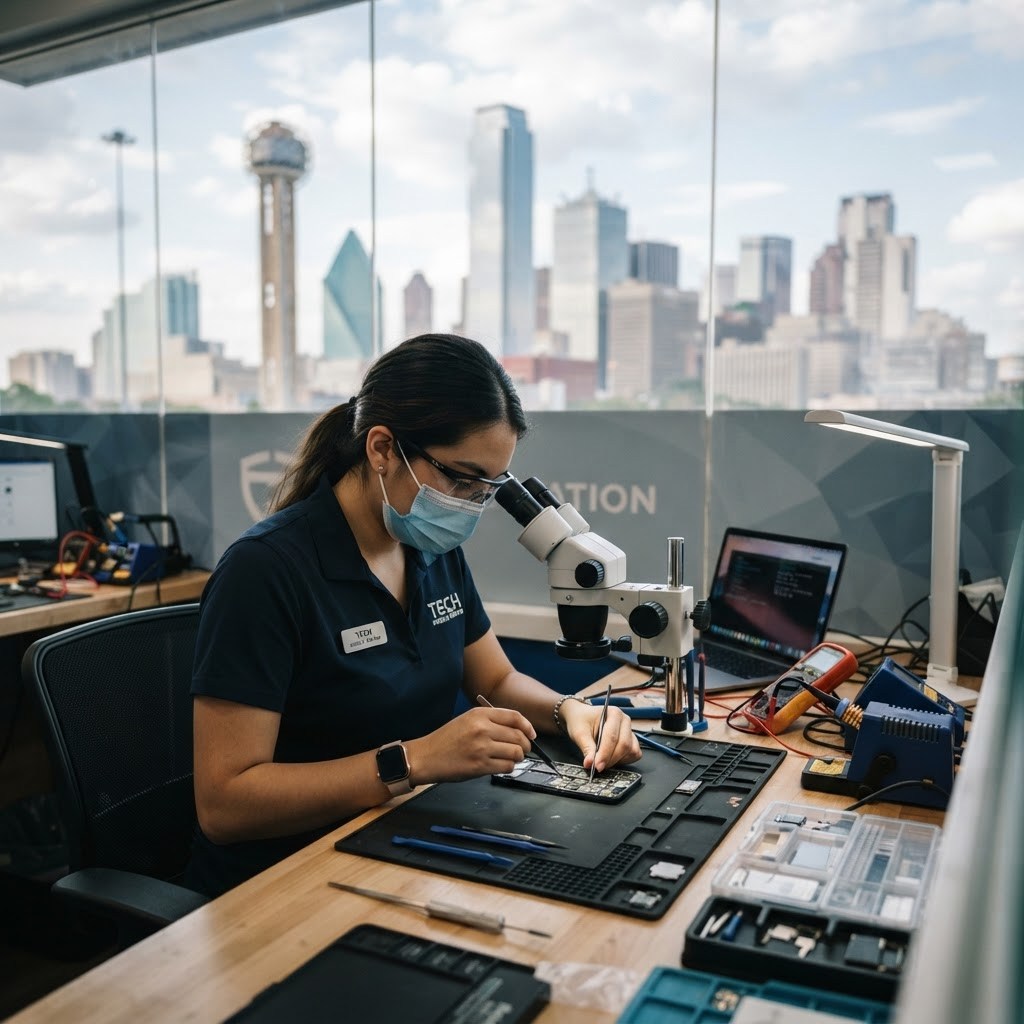
Fix Vise is an on-site service covering Fort Worth and the full DFW Metroplex, so you do not have to unplug everything, pack the laptop up, and drive to a shop. We come to your home or office, diagnose the charging problem on the spot, and confirm your exact total before any work starts. Repair time varies by repair type, and most charging port repairs are completed in a single on-site visit.
Frequently Asked Questions
How much does laptop charging port repair cost?
Charging repairs from Fix Vise start from $49.99, and your exact total is confirmed before booking. The price depends on your laptop model and on whether the port is a plug-in part or soldered to the board. See our [laptop repair cost guide](https://www.fixvise.com/pricing/laptop-repair-cost) for per-model prices.
How long does a laptop charging port repair take?
Repair time varies by repair type. Most charging port repairs are completed in a single on-site visit, though a port soldered to the board or a part that has to be ordered for a rarer model can take longer. You will get a realistic timeframe with your quote, before any work starts.
Is it safe to keep using a laptop that only charges at an angle?
Not for long. Every wiggle puts more stress on the port and the board behind it, and a loose connection can cause heat buildup where the plug meets the port. Get it checked sooner rather than later, and stop using a cable or charger that feels hot.
Could the problem be my battery instead of the port?
Yes, and it is a common mix-up. If the laptop charges to full but drains very fast, or shuts off with charge still showing, the battery is the more likely suspect. If the plug feels loose or only works at an angle, the port is the more likely suspect. A diagnosis settles it before you pay for either repair.
Do you repair charging ports on MacBooks as well as Windows laptops?
Yes. Fix Vise repairs MacBook, Dell, HP, Lenovo, and other major laptop brands, including Surface devices. Your exact model determines the part and the price, so have the model name ready when you book.
Do you fix laptop charging ports at my home or office?
Yes. Fix Vise is an on-site service covering Fort Worth and the full DFW Metroplex. We come to you — no driving to a shop, no mailing your laptop, no waiting in line.
If your laptop only charges when you hold the cable just right, or it has stopped charging altogether, do not wait for the port to get worse. Book at [fixvise.com/book](https://www.fixvise.com/book) or call (979) 766-9228, and we will come to you anywhere in Fort Worth and the DFW Metroplex.