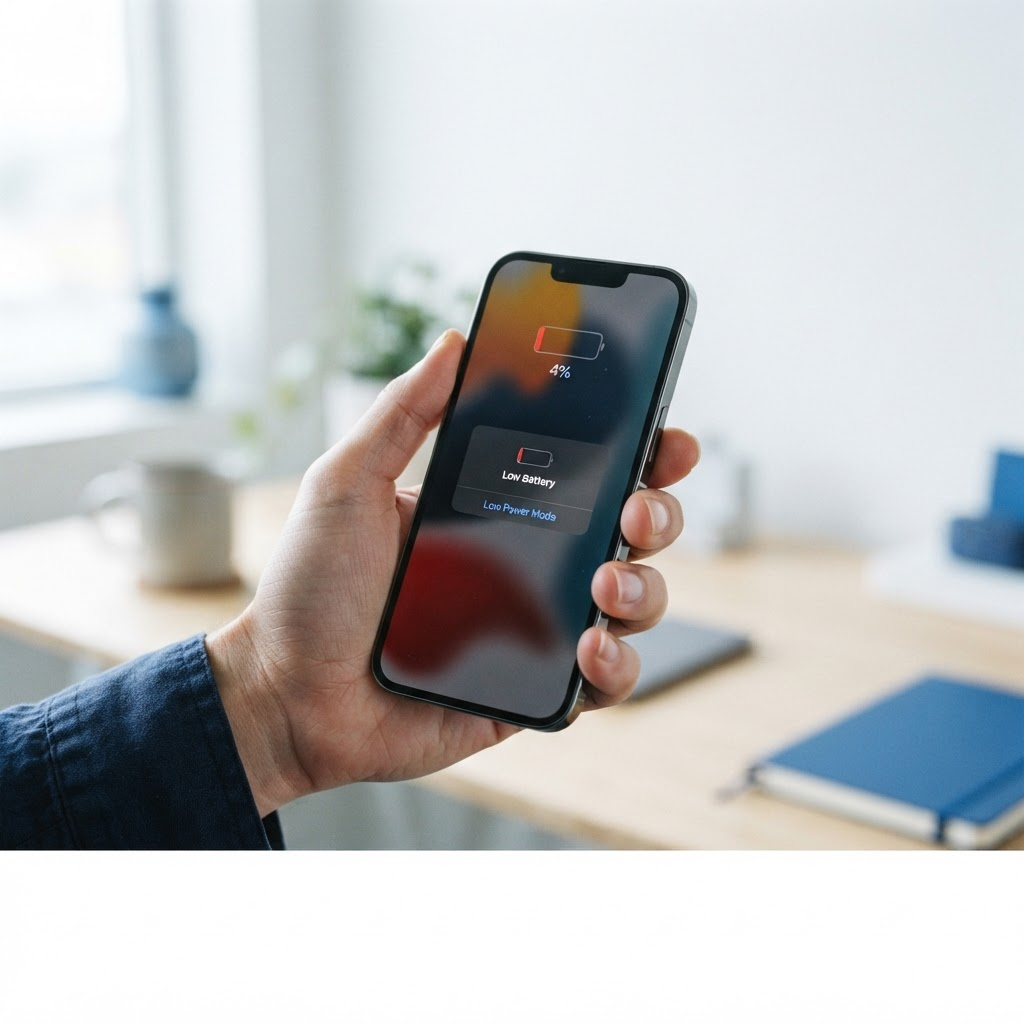
What counts as draining too fast?
A healthy iPhone should get you through a normal day of calls, messages, browsing, and a bit of video without needing a midday charge. That is roughly a full day for most people, less if you are streaming video or using navigation for hours. If your battery drops 20 percent or more in an hour while the phone is mostly sitting in your pocket, something is wrong. If the phone gets hot while it drains, that is another sign worth paying attention to, because heat and fast drain usually go together.
Before you change anything, check your battery health. Open Settings, then Battery, then Battery Health and Charging. Apple shows a maximum capacity percentage, which is how much charge the battery can still hold compared to when it was new. A battery at 90 percent or above is fine. Between 80 and 89 percent, you will notice shorter life, but the phone is still usable. Below 80 percent, Apple considers the battery significantly degraded, and that is the point where a replacement makes the biggest difference. If your phone is shutting off while the battery still shows 20 or 30 percent, the battery is almost certainly the problem.
7 fixes to try before you book a repair
Work through these in order. Most fast-drain problems are fixed by one of the first four.
1. Find the battery hogs. Open Settings, then Battery, and scroll down to the list of apps with their battery usage over the last 24 hours. This screen tells you exactly where your charge is going. If one app is using 30 or 40 percent of your battery, that app is the problem, not the phone. Social media apps, video apps, and navigation apps are the usual suspects. Update the app, restrict its background activity, or delete it and reinstall it. If the drain stops, you have found your answer.
2. Update your software. Battery-draining bugs in iOS do happen, and Apple fixes them in updates. Check Settings, then General, then Software Update. If an update is waiting, install it and give the phone a day to settle. A new update can drain the battery faster for the first day or two while the phone re-indexes photos and files in the background, so do not judge the result until that settles.
3. Turn off background app refresh for apps that do not need it. Apps running in the background are the quietest battery drain there is. Go to Settings, then General, then Background App Refresh, and turn it off for any app that does not need to update while you are not using it. You can leave it on for messaging apps and email if you want notifications to arrive promptly, and turn it off for everything else.
4. Check location access. Some apps track your location constantly, and GPS is one of the biggest battery drains on any phone. Go to Settings, then Privacy and Security, then Location Services, and look for apps set to Always. Change those to While Using the App unless there is a real reason the app needs your location in the background. Weather, maps, and ride apps are the common offenders here.
5. Turn down the screen. The screen is the single biggest battery user on any iPhone. Lower the brightness, turn on Auto-Brightness in Settings under Accessibility and Display, and shorten Auto-Lock to 30 seconds so the screen does not stay lit in your pocket or on a table. Dark Mode helps a little on iPhones with OLED screens, which includes most models from the iPhone X onward.
6. Restart the phone and check your signal. A stuck background process can drain a battery fast, and a restart clears it. Also pay attention to where the drain happens. If the battery drops quickly in one building or one part of town, the phone may be working hard to hold a weak signal, and no settings change will fix that. Low Power Mode, found in Settings under Battery, helps in those situations by slowing background activity until you are back in good coverage.
7. Look for heat and swelling. If the back of the phone feels raised, or the screen is lifting slightly away from the frame, stop using the phone and do not charge it. A swollen battery is a safety issue, not a settings problem, and it needs a technician. The same goes for a phone that gets hot enough to be uncomfortable to hold during normal use. Heat plus fast drain usually means a hardware fault, and continuing to use the phone can make it worse.
When the battery itself is the problem
If you have tried the steps above and the battery still drains fast, and your battery health is below 80 percent, the battery is worn out. Batteries are consumable parts. After two to three years of daily charging, a lithium battery simply holds less charge than it used to, and no setting can give that capacity back. The warning signs are consistent: the phone dies at 20 percent, it shuts off in cold weather, it needs charging twice a day with light use, or the battery health number keeps dropping a percent every few weeks.
A battery replacement fixes all of that in one visit. Your phone goes back to lasting a full day, the random shutdowns stop, and the phone stops running hot during normal use. It is also far cheaper than a new phone. If the rest of the phone is healthy, with a working screen, camera, and charging port, a fresh battery makes it feel like a new device again.
What does iPhone battery replacement cost in Fort Worth?
iPhone battery replacement from Fix Vise starts from $49.99, with the exact price depending on your iPhone model. For example, the iPhone 17 Air battery is $74.99. Fix Vise quotes your exact price upfront before any work starts, so the number you agree to is the number you pay. For exact per-model pricing across the iPhone lineup, see our [iPhone repair cost guide](https://www.fixvise.com/pricing/iphone-repair-cost).
Every repair includes our warranty coverage, so if something is not right after the repair, we make it right. If your battery problem turns out to be something else, like a charging port fault or water damage, the diagnosis sorts that out first, so you never pay for a battery when the real problem is somewhere else.
Why on-site repair beats the repair shop runaround
Fix Vise is 100 percent mobile. Our in-house trained technicians come to your home or office anywhere in the Dallas-Fort Worth Metroplex, usually same-day. You pick your phone model, book in a minute, and the repair happens at your kitchen table or your desk, not in a shop across town. There is no driving, no waiting room, and no mailing your phone away for days.
Travel is free within 5 miles of Saginaw, with a distance-based travel fee beyond that, and the fee is quoted upfront with your repair price. Repair time varies by repair type, and your technician will give you a realistic expectation before starting.
Fix Vise has served DFW since 2018 and holds 4.8 stars from more than 65 Google reviews. Phone owners across Fort Worth, Arlington, North Richland Hills, and the wider Metroplex trust us because the price we quote is the price they pay, and the repair happens where they already are.
Frequently Asked Questions
Why is my iPhone battery draining so fast all of a sudden?
The most common causes are a single app misbehaving after an update, background app refresh running for too many apps, location access set to Always for apps that do not need it, or a software bug that an iOS update fixes. Check Settings, then Battery, to see which apps are using the most charge. If no app stands out and your battery health is below 80 percent, the battery itself is worn out.
How do I check my iPhone battery health?
Open Settings, then Battery, then Battery Health and Charging. The maximum capacity percentage shows how much charge the battery can still hold compared to when it was new. Below 80 percent, Apple considers the battery significantly degraded and a replacement is worth considering.
Does closing apps save battery on iPhone?
Usually no. Swiping apps closed does not save battery, and reopening them from scratch can use more power than leaving them suspended. The exception is an app that is actively misbehaving, which you can spot in the Battery settings screen. Focus on background app refresh and location settings instead.
Why does my iPhone battery drain fast when I am not using it?
Idle drain is almost always background activity: apps refreshing, location tracking, email fetching, or a weak signal forcing the phone to work harder to stay connected. Check the Battery screen for the biggest users, turn off background refresh for apps that do not need it, and try Low Power Mode when you are in an area with poor signal.
Is it bad to charge my iPhone overnight?
Modern iPhones manage overnight charging well, with optimized charging that pauses at 80 percent until you need it. What wears a battery out faster is heat and regularly running it down to zero. Avoid leaving the phone in a hot car, and try not to let it sit at 0 percent for hours.
How much does iPhone battery replacement cost in Fort Worth?
iPhone battery replacement from Fix Vise starts from $49.99, with the exact price depending on your model. You get your exact quote upfront before any work starts, and every repair includes our warranty coverage. See our [iPhone repair cost guide](https://www.fixvise.com/pricing/iphone-repair-cost) for per-model prices.
Book your iPhone battery replacement
A phone that cannot make it through the day is a phone you cannot rely on, and the fix is usually simpler than you expect. Try the steps above first, and if the drain keeps coming back, do not keep guessing. Book a visit at [fixvise.com/book](https://www.fixvise.com/book) or call (979) 766-9228, and a Fix Vise technician will come to you anywhere in Fort Worth and the DFW Metroplex to diagnose it and fix it on the spot.