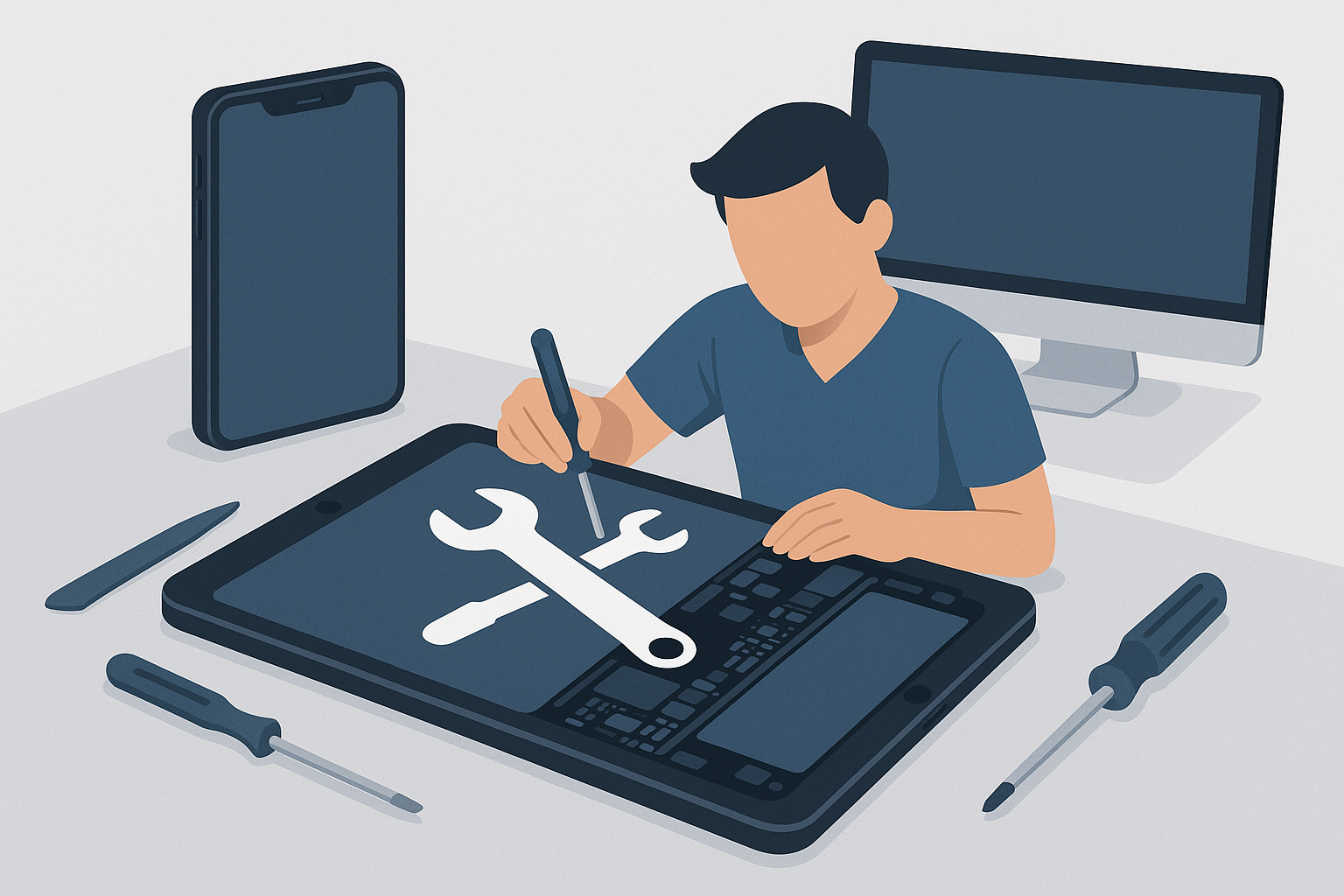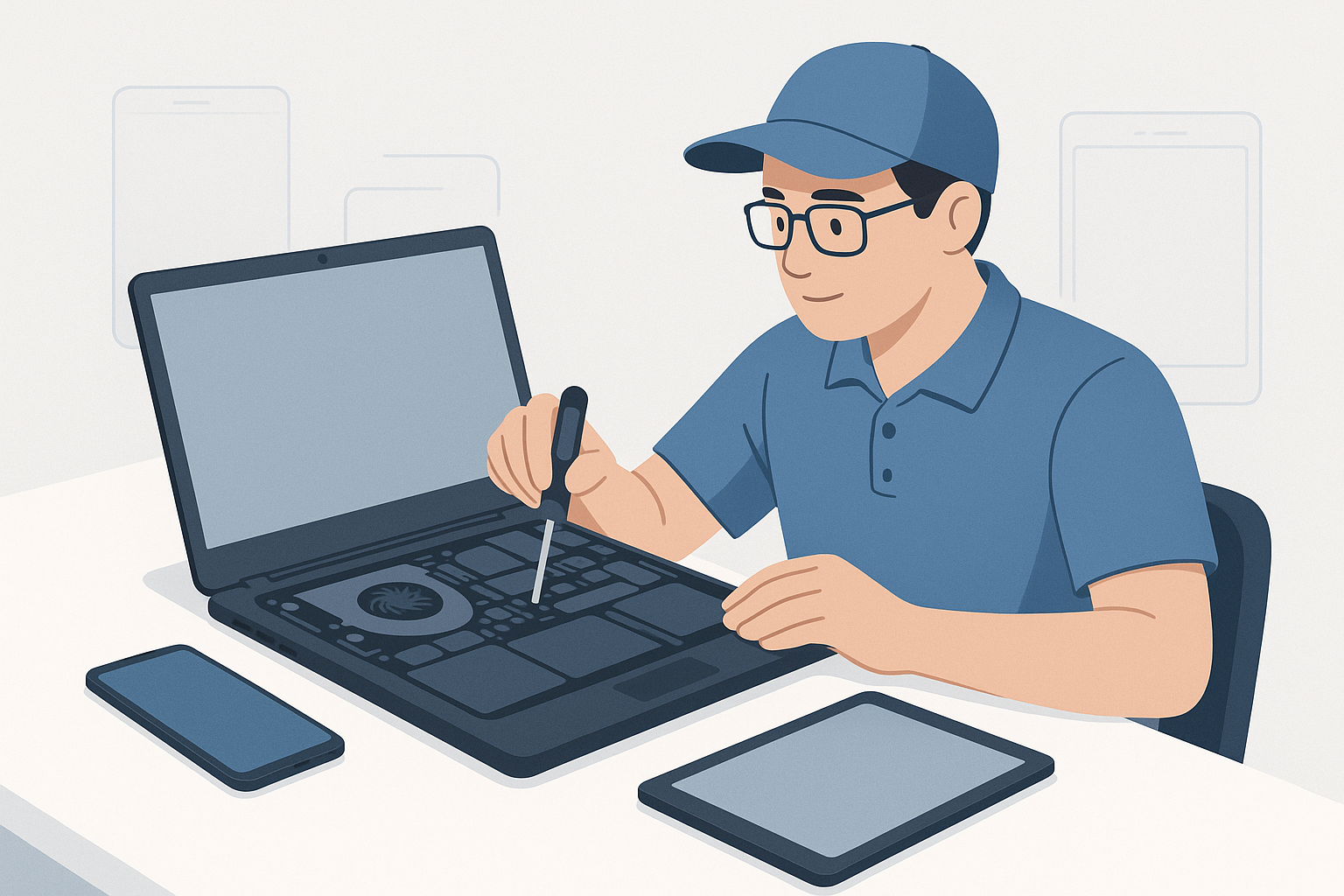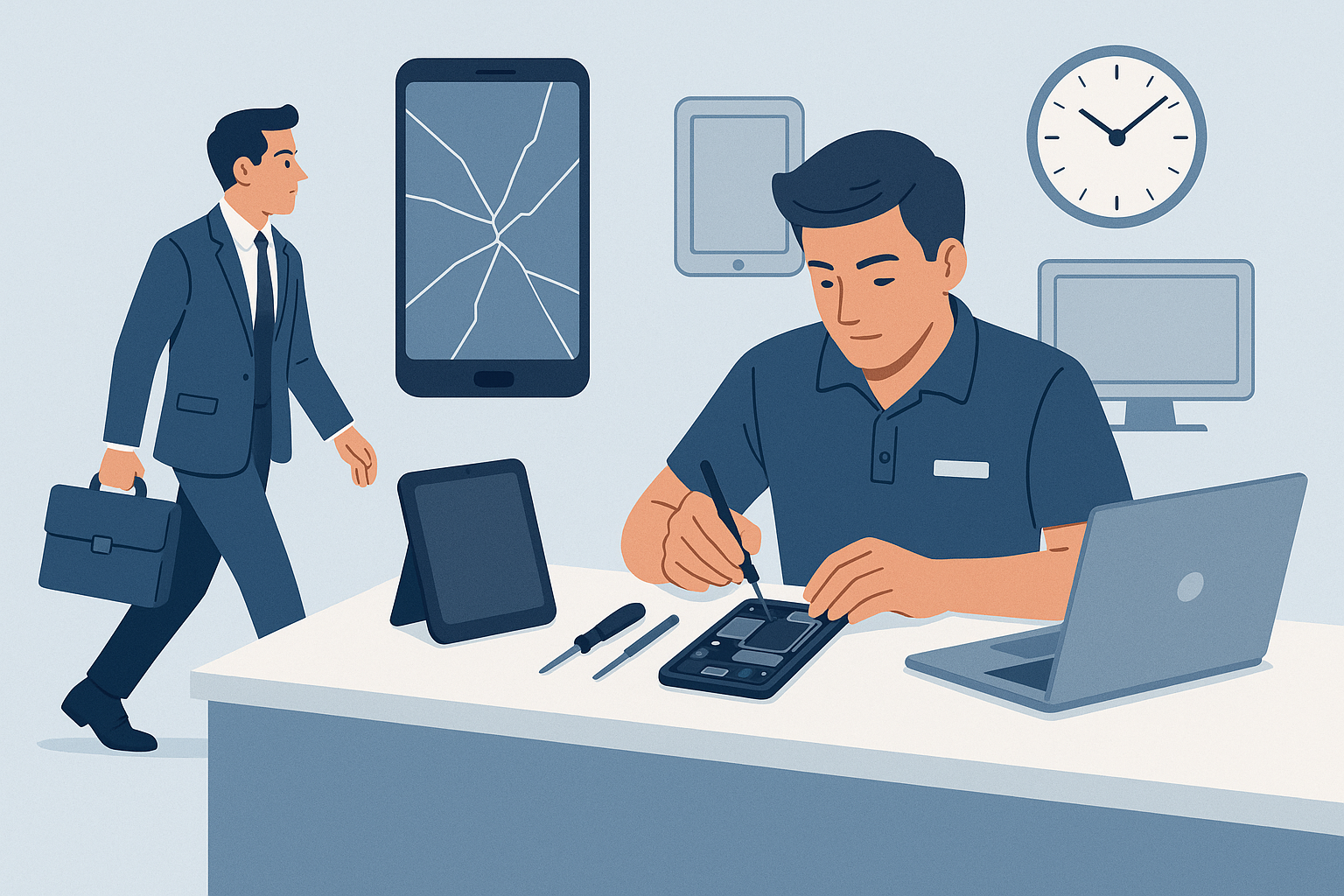
For busy professionals in the Dallas–Fort Worth metroplex, time is the most valuable resource. When a phone screen cracks or a laptop stops booting, taking time out of a packed day to drop off and pick up a device is a major inconvenience. That’s why on-site phone repair, mobile laptop repair, and repair at home services are increasingly popular. This post explains the practical benefits of mobile repairs, what to expect, and how to prepare so your repair goes smoothly with FixVise.
The main benefits for busy professionals
- Save time: Technicians come to your office, home, or coffee shop so you don’t lose billable hours traveling to a shop and waiting in line.
- Minimize downtime: Many common repairs—screen and battery replacement, charging port fixes, keyboard replacements, and performance upgrades—can be completed on-site so you can get back to work quickly.
- Better convenience and flexibility: Schedule repairs around meetings, lunch breaks, or after-hours. Mobile services often offer narrower appointment windows and direct communication from the technician.
- Reduced exposure of sensitive data: Keeping your device in your possession while it’s inspected or repaired reduces the number of hands that handle your device, which is important for professionals who work with confidential information.
What on-site phone repair, mobile laptop repair, and repair at home typically cover
On-site services are ideal for many everyday hardware and software issues. Typical on-site or repair at home tasks include:
- Screen replacement for phones and tablets
- Battery replacement and performance diagnostics
- Charging port and headphone jack repairs
- Keyboard replacement and screen hinge repairs for laptops
- SSD upgrades, memory upgrades, and operating system troubleshooting
- Malware removal, software updates, and data-transfer assistance
Some complex motherboard repairs, advanced soldering, and extensive water damage restoration may still require shop- or lab-level equipment. A mobile technician can often diagnose the problem on-site and recommend whether an in-shop repair is necessary.
How to prepare for an on-site repair visit
Preparing ahead makes the visit faster and safer:
- Back up your data. Use cloud backup or an external drive—this protects your information in case a repair requires replacing storage or performing a full reinstall.
- Remove accounts or log out when possible. For phones, temporarily disable Find My iPhone/Find My Device if the technician requests it (your technician will explain why). For laptops, log out of sensitive applications when possible.
- Note passwords and serial numbers. Keep passwords handy (or be ready to reset them) and have the device serial number if you need warranty checks.
- Choose a secure, well-lit spot. A conference room, private office, or your kitchen table gives the technician space to work and maintains privacy.
- Ask about parts and warranty. Confirm whether the technician uses OEM or high-quality replacement parts and ask about any service guarantees.
Questions to ask your mobile technician
When booking or when the tech arrives, these questions help set expectations:
- Do you perform the repair on-site or is a lab transfer required?
- What parts will you use, and are they covered by a warranty?
- How long will the repair take, and what is the estimated cost?
- Will any data be at risk, and how do you protect privacy?
- If the repair can’t be completed on-site, how will transit, timing, and updates be handled?
FixVise technicians will walk you through these items and provide clear next steps before starting work.
Security and privacy considerations
For professionals handling sensitive data, privacy matters. Choose a reputable provider that offers clear policies on data handling and device access. When you book mobile laptop repair or on-site phone repair:
- Keep the device within your sight while the technician works.
- Ask for ID and a service order that lists the work to be performed.
- Request that any removed parts be returned to you for disposal or recycling if you prefer.
Cost and time expectations
Mobile service may carry a convenience fee compared with drop-off shops, but the time saved and reduced disruption often justify the cost for professionals. The actual price depends on parts, device model, and the complexity of the repair. FixVise provides transparent estimates before work begins so you can decide whether on-site repair at home or in the office is the best option.
Why choose FixVise for on-site phone repair and mobile laptop repair in DFW
FixVise offers mobile repair options across the Dallas–Fort Worth metroplex, serving neighborhoods from Dallas and Plano to Arlington and Fort Worth. Our technicians bring tools and parts needed for common on-site repairs, and they’ll diagnose your device at your location so you can stay productive. If a repair needs additional equipment, we’ll arrange secure transport to our shop and keep you informed every step of the way.
FixVise focuses on convenience, clear communication, and honest estimates so you don’t have to rearrange your day for a repair. Whether you need fast repair at home between meetings or a mobile laptop repair at your office, we make the process simple and professional.
Final tips and next steps
If you’re a busy professional dealing with a broken phone or sluggish laptop:
- Back up your device now so you’re ready if something happens.
- Book a time slot that fits your schedule—consider early morning, lunch, or after-hours options.
- Prepare a secure workspace and have account passwords ready if needed.
Ready to save time and get back to work? Book on-site phone repair or mobile laptop repair with FixVise in the DFW area—schedule online or call to set up a convenient repair at home or at your office.