Phone Won't Charge? 5 Things to Try Before Paying for a Repair
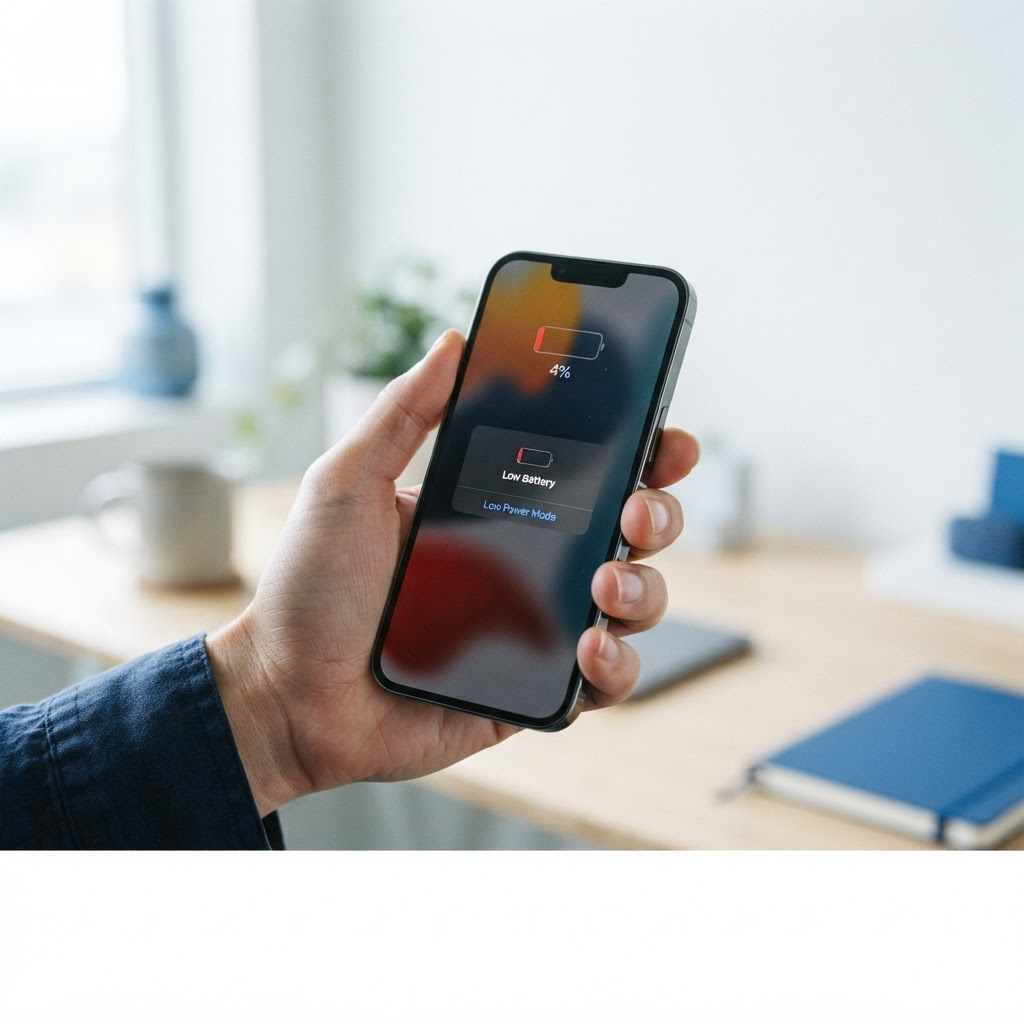
There's a special kind of panic that hits when you plug in your phone and nothing happens. No charging icon. No satisfying buzz. The battery percentage sits there, mocking you, while your day grinds to a halt.
Before you start pricing out repairs (or a new phone), take a breath. Most charging problems have simple, fixable causes — and the fix is often free. At Fix Vise, we see charging issues every week across Fort Worth and the DFW Metroplex, and a surprising number of our "repairs" never need to happen at all.
Here are the five things to try first, in order.
1. Swap the cable and adapter — separately
Chargers fail constantly. Cables fray internally where they bend near the connector, and cheap third-party cables often stop working after a few months of daily use. Adapters burn out silently too.
Don't just swap the whole setup at once — test the parts separately:
- Try your cable with a different adapter.
- Try your adapter with a different cable.
- Borrow a known-good cable from someone else if you can.
If the phone starts charging with a different combination, you've found your culprit, and it costs you a cable, not a repair bill. One more check: plug into a wall outlet directly rather than a power strip. A dead or overloaded strip has fooled plenty of people into thinking their phone was broken.
2. Clean out the charging port
This is the single most common cause of charging problems we see — and it's almost embarrassingly easy to fix.
Every time your phone sits in a pocket, purse, or gym bag, pocket lint packs into the charging port. Over weeks and months it compresses into a dense plug at the back of the port. Eventually the charging cable can't seat fully, and the phone stops making a solid connection. You might notice the cable feeling loose, or the phone only charging when you wiggle it or hold the cable at an angle — classic lint symptoms.
Here's how to clean it safely:
- Power the phone off first.
- Use a wooden or plastic toothpick — never anything metal. Metal can scratch the contact pins or cause a short.
- Gently scrape along the edges and bottom of the port, pulling lint outward. You'll be amazed how much comes out.
- If you have compressed air, a short blast can help — but the toothpick does most of the work.
This two-minute fix resolves a huge share of "my phone won't charge" cases. If your cable suddenly clicks in firmly again after cleaning, you're done.
3. Try a different power source
Not all power sources are created equal. A laptop USB port, a car charger, and a wall adapter all deliver different amounts of power — and a struggling phone can behave very differently depending on the source.
- Laptop USB ports deliver low power. A phone with a nearly dead battery may not even register a charge from one.
- Car chargers are notoriously inconsistent, especially cheap ones. Many barely charge modern phones at all.
- A proper wall adapter (ideally the phone manufacturer's, or a quality 20W+ adapter) is the gold standard test.
If your phone charges fine on the wall adapter but not on the laptop, there's nothing wrong with your phone — it's the power source. Also worth checking: if you're using an extension cord or a surge protector with a blown outlet, the problem is upstream of the phone entirely.
4. Restart the phone and watch how it behaves
Software can interfere with charging more often than people realize. A glitchy battery-management process, a hung system service, or a recent update can all cause the phone to report the wrong battery level or refuse to charge.
Do a full restart (not just locking the screen). On most iPhones, hold the side button plus a volume button until the power slider appears; on most Samsung phones, hold the side button until the power menu appears. After the restart, plug in and watch:
- Does the charging icon appear within a few seconds?
- Does the battery percentage start climbing?
- Is the phone unusually hot while charging?
A phone that's hot to the touch while charging (or even while idle) is a red flag. Some warmth is normal, but if it's genuinely hot, unplug it and let it cool. Persistent overheating can indicate a battery problem — and that's a repair you shouldn't delay. If your battery health is under 80% (check Settings on iPhone, or Device Care on Samsung), the battery itself may be the real issue, not the charger.
5. Try wireless charging to isolate the problem
If your phone supports wireless charging, this is a brilliant diagnostic step. Drop the phone on a wireless charger (or ask a friend who has one):
- If it charges wirelessly but not by cable, the problem is almost certainly in the wired charging path — the port, the cable, or both. That's a well-defined repair.
- If it won't charge either way, the issue is likely the battery or internal charging circuitry, and it needs a technician.
This one test tells you exactly where the problem lives, which means you can walk into any repair conversation knowing exactly what's wrong.
When to Stop and Call a Repair Tech
DIY has its limits. If you've tried everything above and the phone still won't charge — or if you see any of these — it's time for a professional:
- The cable only works when you wiggle or hold it at an angle, even after cleaning the port. That usually means the port's internal contacts are worn or damaged.
- The battery drains in a few hours or the phone dies at 20-30%. That's a worn-out battery, not a charger problem.
- The phone got wet and now won't charge. Water damage gets worse the longer it sits — don't keep trying to charge it.
- The battery is swollen — if the back of the phone is bulging or the screen is separating from the frame, stop immediately. A swollen battery is a fire risk. Don't charge it, don't puncture it, and get it to a technician right away.
The good news: charging-port repairs and battery replacements are routine jobs. Charging repairs from Fix Vise start from $49.99, and repair time varies by repair type — most are completed in a single on-site visit. For exact per-model prices, see our [iPhone repair cost guide](https://www.fixvise.com/pricing/iphone-repair-cost) and [Samsung repair cost guide](https://www.fixvise.com/pricing/samsung-repair-cost).
Every Fix Vise repair comes to you — home, office, wherever you are in Fort Worth and the DFW Metroplex — and includes our 30-day warranty.
Frequently Asked Questions
Why does my phone only charge at certain angles?
This almost always means the charging port is clogged with lint or the port's contacts are worn. Clean the port first (step 2 above). If it still only charges at an angle, the port likely needs professional repair.
My phone says it's charging but the percentage isn't going up.
You're probably using a weak power source — a laptop USB port or cheap car charger can't keep up with what the phone consumes. Switch to a proper wall adapter and see if the percentage climbs.
Can a bad charger damage my phone?
Cheap, uncertified chargers can deliver unstable power that stresses the battery and charging circuitry. Use the manufacturer's charger or a certified alternative. A $15 cable is cheaper than a battery replacement.
Is it safe to keep using a phone that only charges wirelessly?
Temporarily, yes — but the damaged port won't fix itself, and repeated wiggling can make the damage worse. Get the port checked when it's convenient; it's a quick repair.
How much does it cost to fix a charging problem?
Charging repairs from Fix Vise start from $49.99 depending on the model and the repair needed. Check our [iPhone repair cost guide](https://www.fixvise.com/pricing/iphone-repair-cost) and [Samsung repair cost guide](https://www.fixvise.com/pricing/samsung-repair-cost) for per-model prices.
Do you fix charging issues at my home?
Yes. Fix Vise is an on-site service covering Fort Worth and the full DFW Metroplex. We come to you — no driving to a shop, no mailing your phone, no waiting in line. Most charging repairs are done in a single visit, backed by our 30-day warranty.
Book Your Repair
Tried everything and your phone still won't charge? Don't fight a dying battery for another week. [Book your on-site repair](https://www.fixvise.com/book) or call/text (979) 766-9228. We come to you anywhere in Fort Worth and the DFW Metroplex — most repairs done in a single visit, backed by our 30-day warranty.