Phone Repair at Home Near Me: How Mobile Device Repair Works
When your phone breaks, getting it fixed fast and securely matters. Searching for "phone repair at home near me" or "mobile phone repair" often leads to on-site services that bring professional repairs to your home, office, or workplace. If you're in the Dallas-Fort Worth metroplex, FixVise offers reliable on-site phone repair and in-store options. Here’s a clear, practical guide to how mobile device repair works and how to prepare.
What is on-site phone repair?
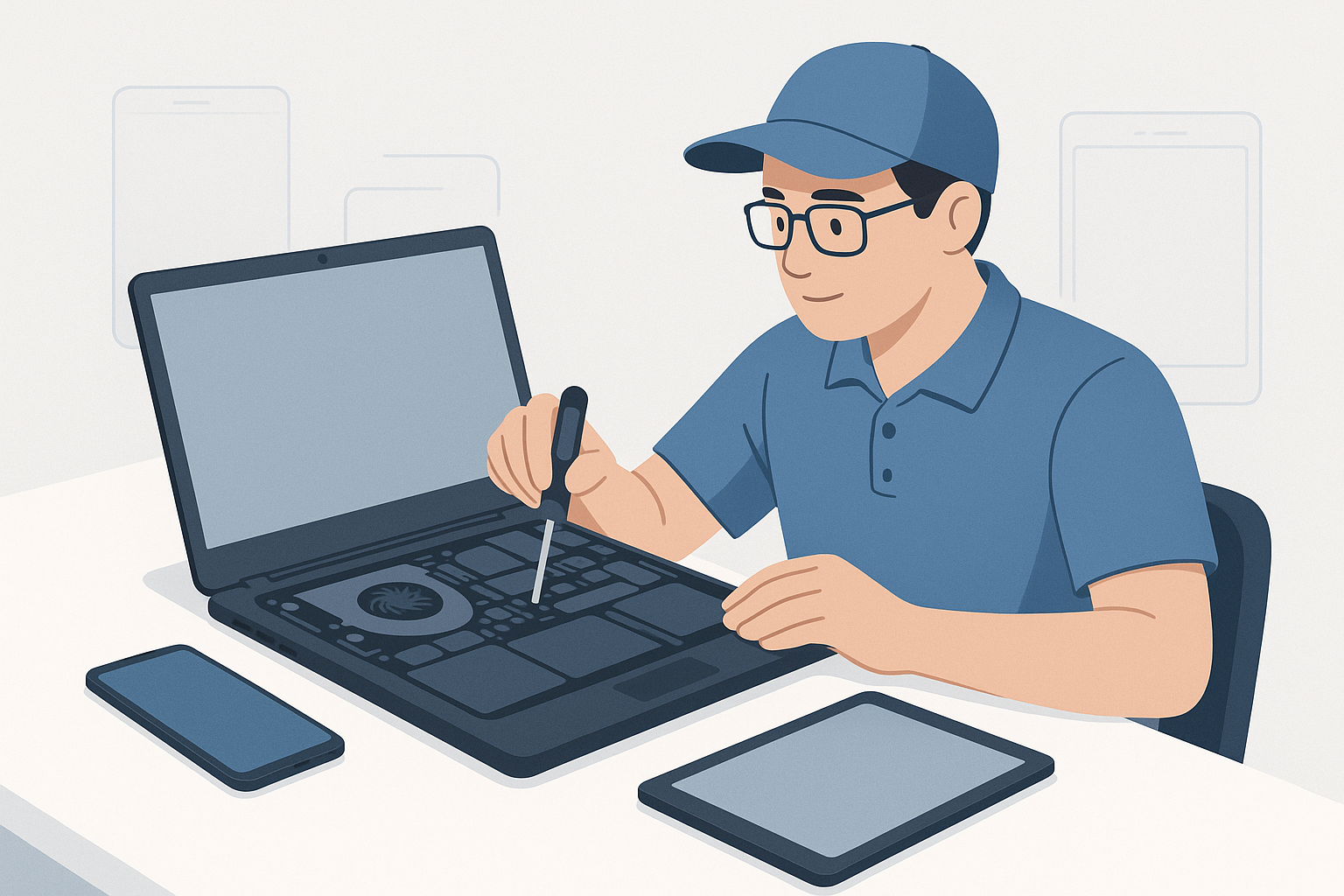
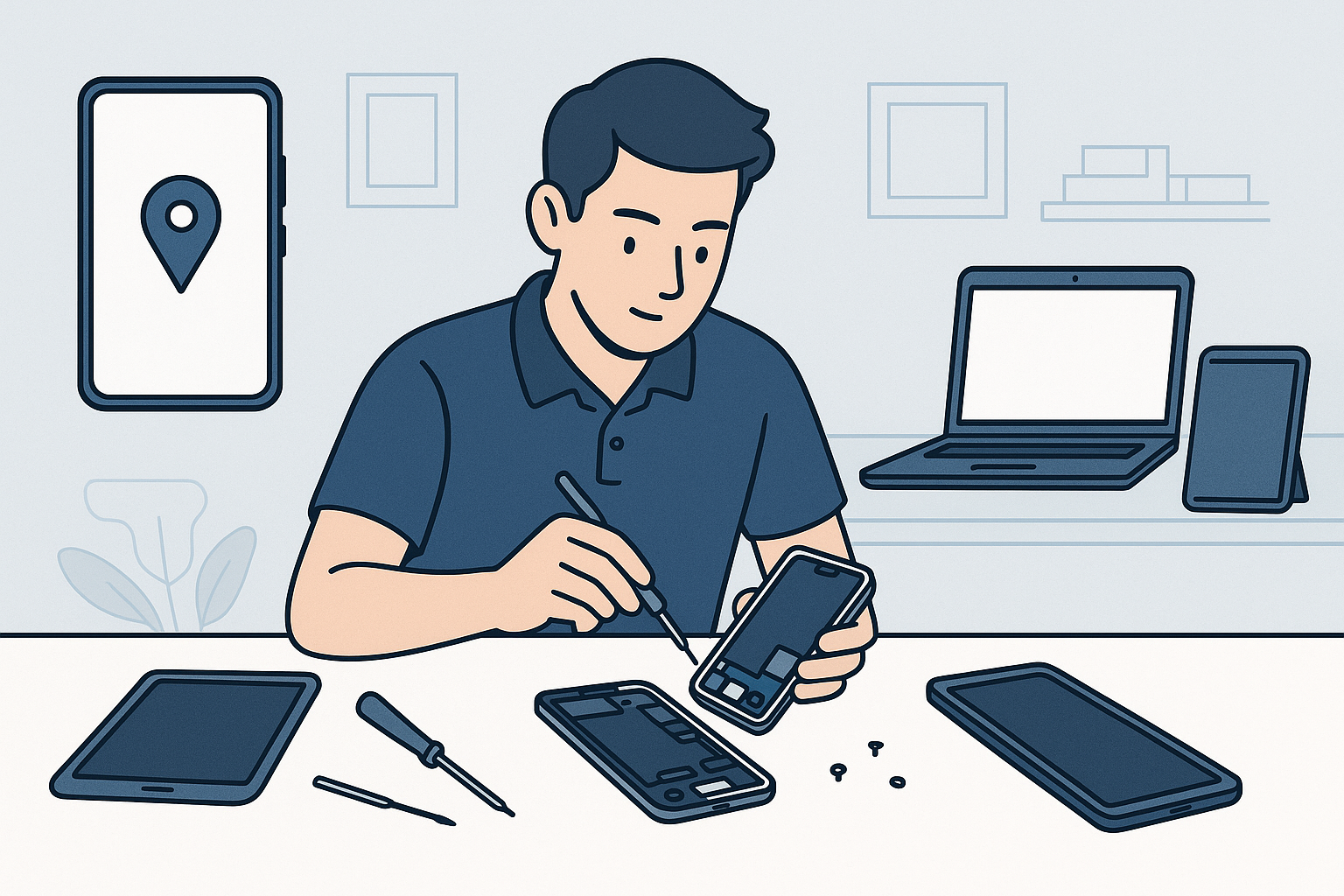
On-site phone repair (also called mobile phone repair or phone repair at home) means a trained technician comes to your location to diagnose and fix the device. Typical repairs include screen replacement, battery swaps, charging port repair, camera and speaker fixes, and software troubleshooting. For many common issues, a qualified technician can complete the work on the spot using professional tools and OEM or high-quality aftermarket parts.
How on-site repair works: step-by-step
- Request an appointment
- Start by searching "phone repair at home near me" and choosing a reputable provider like FixVise in the Dallas-Fort Worth area. Book online or by phone and describe your issue so the technician can bring the right parts.
- Technician arrival and inspection
- The technician will arrive within your scheduled window, introduce themselves, and inspect the device. This quick diagnostic confirms the problem and produces a cost estimate.
- Approval and repair
- After your approval, the tech performs the repair on-site. For most screen or battery replacements this takes 20–60 minutes. Complex issues may require a follow-up trip to a shop.
- Testing and cleanup
- Once repaired, the device is thoroughly tested (touch response, cameras, charging, Wi‑Fi, etc.). The technician cleans the work area and provides paperwork, warranty information, and payment options.
- Post-repair support
- Reputable providers offer a parts and labor warranty. Keep the receipt and warranty details in case a follow-up is needed.
Which repairs are ideal for at-home service?
- Screen replacements (most cracked screens)
- Battery replacement and calibration
- Charging port or headphone jack repair
- Speaker or microphone fixes
- Camera replacement
- Software troubleshooting and data recovery (non-destructive)
Some repairs—like advanced motherboard microsoldering or extensive water damage reconstruction—are better handled in a fully equipped repair shop. A good technician will tell you honestly when a job needs shop-level equipment.
How to prepare for a mobile repair visit
- Back up your data: Use iCloud, Google Drive, or a computer backup before the technician arrives.
- Remove cases and accessories: Take off protective cases, SIM cards, and microSD cards if possible.
- Unlock the device or provide passcodes: Technicians need access to test the phone after repair. If you’re concerned about privacy, ask about supervised testing procedures.
- Clear a workspace: A small table or desk with good light is ideal.
- Be ready to confirm the service: Have a valid ID and a payment method ready.
Safety, security, and parts quality
When searching "phone repair at home near me," prioritize providers that use certified parts and offer warranties. Ask whether replacement screens are OEM-grade, and verify the warranty terms for parts and labor. FixVise technicians carry tools to perform professional repairs and stand behind their work with a clear warranty policy.
Cost and time considerations
Costs vary by device model and the part required. Replacing a battery is generally less expensive than a full-screen assembly on flagship phones. On-site repairs often include a small convenience fee for travel, but you save time and avoid the hassle of visiting a store. Typical on-site screen or battery repairs in the DFW area complete in under an hour once the technician begins working.
Pros and cons of on-site vs. in-store repair
Pros of on-site phone repair:
- Convenience—no travel or waiting in line
- Faster turnaround for many common repairs
- Transparent process—watch the technician work if you prefer
Cons:
- Some complex repairs still need a shop lab
- Possible travel fee
- Limited access to heavy diagnostic equipment compared with a dedicated repair center
Why choose FixVise for mobile phone repair in Dallas-Fort Worth?
FixVise serves the Dallas-Fort Worth metroplex with both in-store and on-site repair options. Our technicians are trained to handle common mobile phone repairs on location, using high-quality parts and providing clear estimates before work begins. If a repair requires shop-level tools, we’ll explain why and offer quick transfer to our repair center.
Final tips and next steps
- Always back up your device before repair.
- Ask for a written estimate and warranty details.
- Check reviews and local reputation when searching "phone repair at home near me."
Ready to fix your phone without leaving home? Book an on-site phone repair with FixVise in the Dallas-Fort Worth area today—schedule online or visit your nearest FixVise location for fast, professional mobile phone repair.