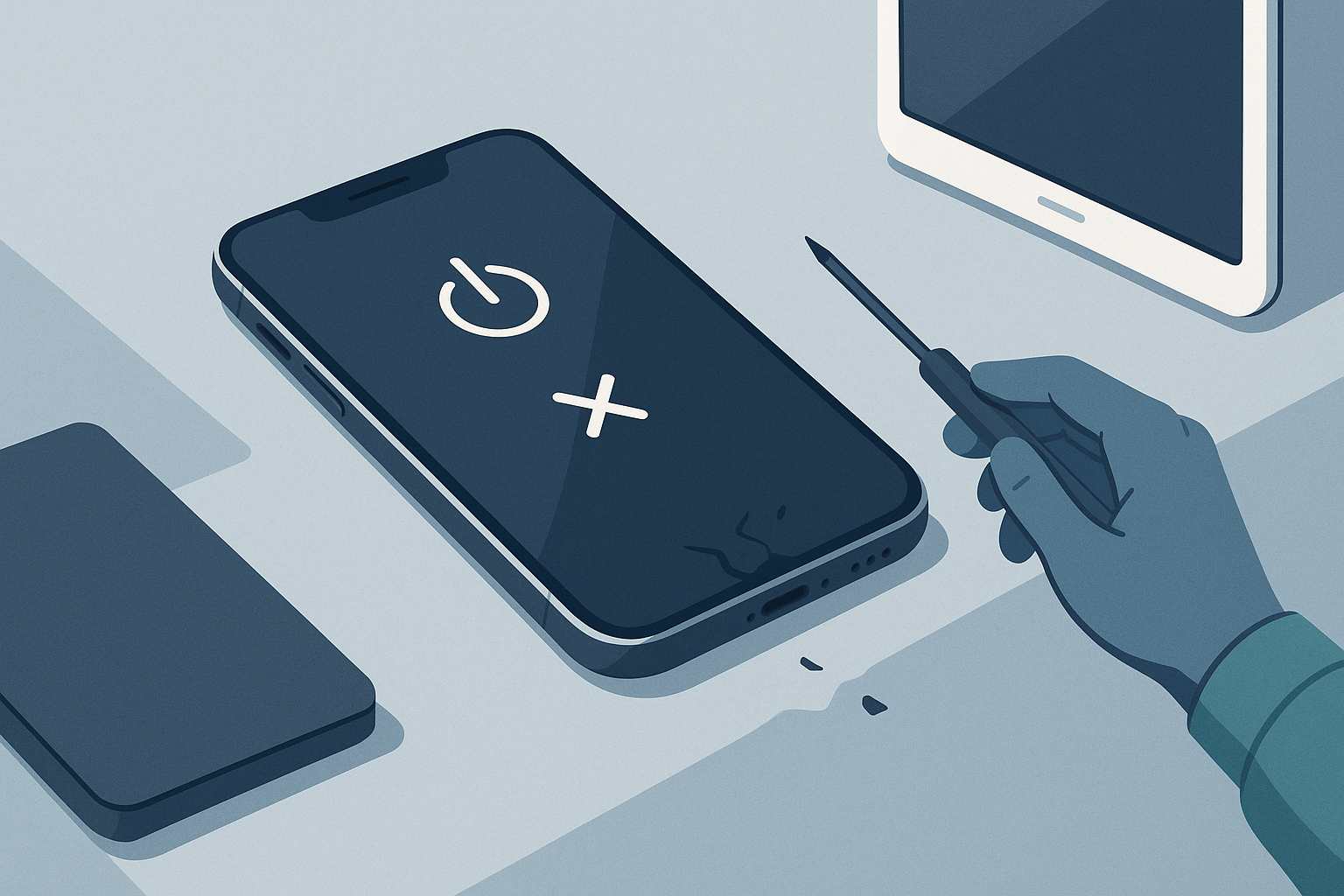
iPhone won't turn on after being dropped — first steps
Dropping an iPhone can be alarming, especially when it refuses to power on afterward. If you're dealing with iPhone issues after dropping it, stay calm and follow these steps to diagnose the problem safely. Some fixes are simple and immediate, while others require professional attention to avoid further damage or data loss.
1. Quick checks (do these first)
- Inspect the exterior for obvious damage: cracked glass, bent frame, or loose parts. Look for a rattling sound when you gently shake it — that can indicate internal components have come loose.
- Try a different charging cable and power adapter. A dead or damaged cable can make the phone appear completely dead.
- Plug the iPhone in and leave it charging for at least 15–30 minutes. If the battery was disconnected or deeply discharged, it may need some time to respond.
- Check for faint signs of life. In a dark room, shine a bright flashlight at an angle across the screen to see if there’s a faint image (this can mean the display is broken but the phone is on).
2. Try a forced restart (model-specific)
A forced restart will not erase your data and can revive an iPhone that’s frozen after a drop:
- iPhone 8 and later: Press and quickly release Volume Up, press and quickly release Volume Down, then press and hold the Side button until the Apple logo appears.
- iPhone 7 / 7 Plus: Press and hold Volume Down and the Side button together until you see the Apple logo.
- iPhone 6s and earlier: Press and hold the Home button and the Side/Top button together until the Apple logo appears.
If you see the Apple logo, let the phone boot completely and back up your data immediately.
3. Connect to a computer
Connect the iPhone to a Mac or PC with iTunes/Finder. If the computer recognizes the device, you may be able to back up data or restore the phone. If prompted with recovery mode, proceed carefully—restoring can erase data, so consider professional help if data recovery is critical.
4. Look for signs of water damage or a swollen battery
A drop can rupture seals and expose internals to moisture, or cause the battery to swell. Swelling is dangerous—do not puncture. If the phone is hot, leaking, or you see signs of liquid exposure, power it off and bring it to repair immediately.
Common causes of an iPhone that won't turn on after a drop
Understanding likely causes helps you decide whether to attempt basic troubleshooting or see a technician.
- Display assembly damage: The phone may be on but the screen is cracked, detached, or the display connector is loose.
- Battery or connector damage: Impact can disconnect the battery or damage the charging port or battery itself.
- Logic board or component failure: Drops can cause micro-cracks in the board, dislodge chips, or break solder joints — problems that require board-level repair.
- Flex cable or connector damage: Cables that connect the display, battery, or other components can become loose or torn.
- Water ingress triggered by cracks: Even small cracks can let moisture in, causing corrosion and short circuits.
What not to do
- Don’t repeatedly charge or try to boot if the device is hot or shows signs of battery swelling.
- Don’t open the phone unless you have the right tools and experience—attempting DIY repairs can void warranties and cause more damage.
- Don’t attempt to dry a possibly water-damaged phone with heat (hairdryers, ovens) — that can worsen corrosion.
When to get professional help (and why FixVise can help)
If basic steps (charging, forced restart, connecting to a computer) don’t work, or if you notice swelling, severe screen damage, or water exposure, bring the device to a professional. At FixVise in the Dallas-Fort Worth area, our technicians can perform a thorough diagnostic to identify whether your phone needs a screen replacement, battery replacement, charging-port repair, or logic-board level work.
Professional service is recommended when:
- The phone shows no signs of life after charging and forced restart.
- The screen remains black but you hear sounds or feel vibrations (indicating the phone is on but the display is damaged).
- There are physical signs of severe internal damage or a swollen battery.
- You need data recovery from a device that won’t boot.
FixVise technicians are experienced with board-level repairs and data recovery methods that can often save data when other shops might recommend a full replacement.
Preventive tips after repair
- Use a heavy-duty case and screen protector to reduce future risk.
- Avoid exposing a cracked phone to moisture; repair damaged screens promptly.
- Back up regularly (iCloud, iTunes/Finder, or local backups) so you won’t lose important data if a future accident occurs.
Next steps — get a diagnostic and repair in Dallas-Fort Worth
If your iPhone won't turn on after being dropped and basic troubleshooting didn't help, bring it to FixVise for a professional diagnostic. We serve the Dallas-Fort Worth area and can evaluate your device, explain repair options, and provide a clear estimate. Schedule a visit or book an appointment online to get a fast, professional assessment and repair plan.
Need help now? Visit your nearest FixVise in DFW or book a diagnostic online — our technicians can help determine the cause and recommend the safest, most cost-effective repairs to get your iPhone working again.