iPhone Gets Hot While Charging? Causes & Fixes
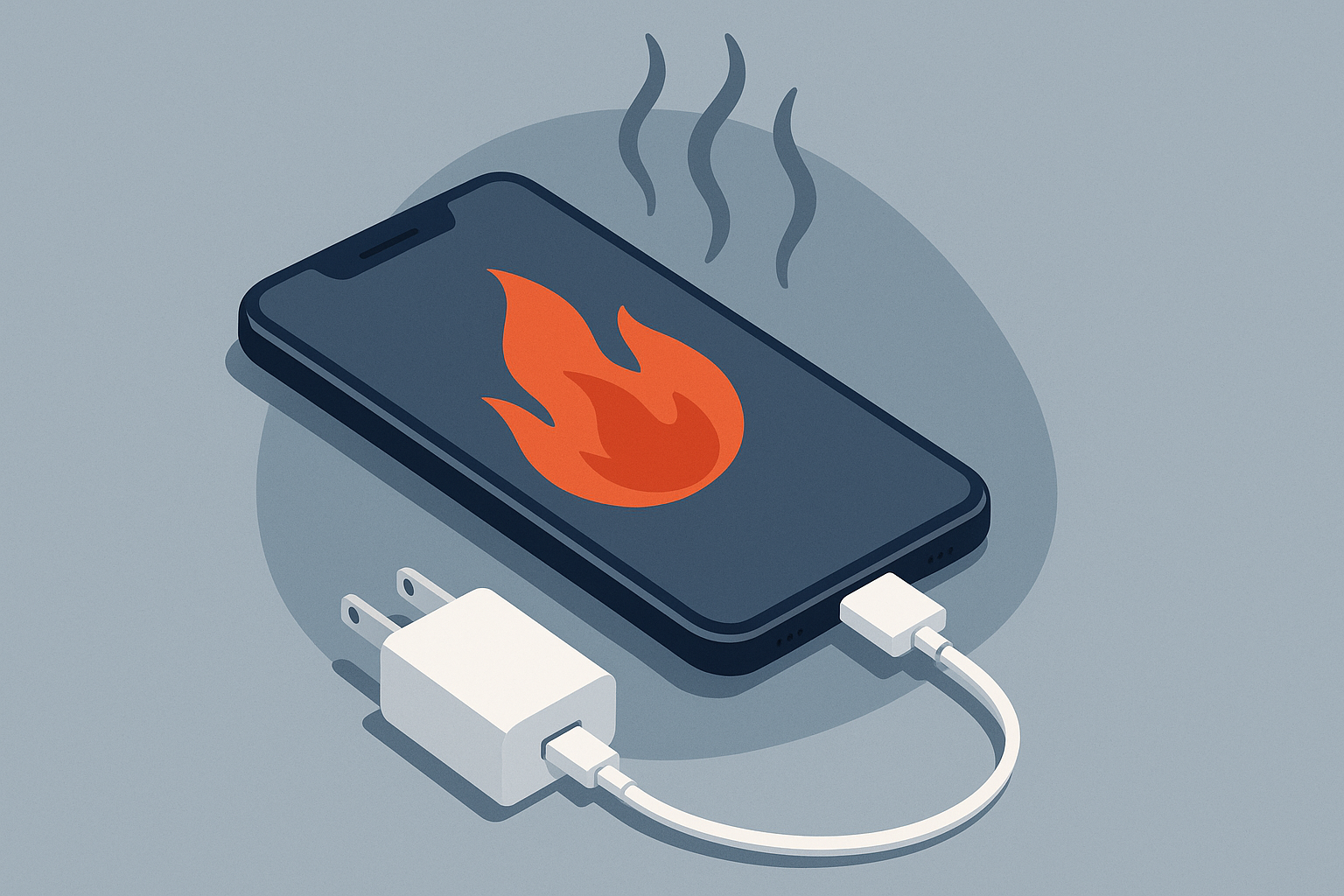
If your iPhone gets hot while charging, it’s alarming — and potentially dangerous. Heat while charging is common, but persistent or extreme overheating can damage the battery or internal components. This guide explains common causes, safe troubleshooting you can try at home, and when to bring your phone to FixVise for professional service in the Dallas–Fort Worth area.
Why iPhones Heat Up During Charging
Batteries generate heat whenever they accept energy. A moderate temperature rise while charging is normal, especially during fast charging or heavy use. However, excessive heat can be caused by a specific issue such as:
- Background apps or processes using a lot of CPU while charging
- Faulty or non-certified chargers and cables
- A protective case that traps heat
- Charging in a hot environment (inside a car on a summer day, direct sunlight)
- Software bugs or outdated iOS
- Failing battery or damaged charging port
- Water damage or internal component failure
Apple’s recommended operating temperature range for iPhone is roughly 0° to 35° C (32° to 95° F). Charging outside of comfortable room temperatures or blocking airflow can make your device hotter than normal.
Quick troubleshooting steps (safe, do these first)
- Stop charging and unplug. If the phone feels unusually hot to the touch, disconnect the charger immediately and let the phone cool on a non-flammable surface.
- Remove the case. Some cases—especially thick, metal, or waterproof designs—can trap heat. Remove the case and give the phone a chance to cool.
- Move to a cooler area. Avoid charging in direct sunlight, a hot car, or near heat sources.
- Use Apple‑certified chargers and cables. Unofficial or damaged cables and wall adapters can cause improper charging behavior and heat. Try a different Apple-certified Lightning/USB‑C cable and adapter you know are good.
- Close background apps and features. Swipe up to close or force‑quit apps using lots of power. Turn off Background App Refresh, reduce screen brightness, and temporarily disable Bluetooth, GPS, or heavy location services.
- Restart and update iOS. A quick restart can stop runaway processes. Check Settings > General > Software Update and install any available updates; Apple issues fixes for battery/thermal bugs.
- Check Battery Health. Go to Settings > Battery > Battery Health & Charging to review maximum capacity and charging behavior. If the battery health is significantly degraded, overheating during charging is more likely.
- Inspect the charging port. Lint, debris, or corrosion in the Lightning/USB‑C port can create poor connections and heat. Use a soft brush or compressed air very gently—don’t insert metal objects.
When overheating is a sign you need professional repair
Seek professional help if you notice any of the following:
- The iPhone becomes extremely hot to the touch or emits a burning smell.
- The phone swells, the screen or case bulges, or the battery appears distorted (stop using immediately).
- The device shuts down, won’t charge, or charges inconsistently after trying the basic steps above.
- You see smoke, liquid inside the camera or SIM tray, or evidence of water/chemical intrusion.
- Replacing cables and chargers doesn’t solve the problem and battery health shows serious decline.
These symptoms can indicate a failing battery, damaged charging port, or internal hardware fault. Continuing to use a device that’s overheating risks permanent damage and safety hazards.
How FixVise can help in Dallas–Fort Worth
At FixVise, our technicians diagnose and repair charging-related issues for iPhones across the DFW metroplex. Common services we provide:
- Battery diagnostics and replacement with quality parts
- Charging-port cleaning and repair (Lightning / USB‑C)
- Water-damage inspection and corrosion cleanup
- Component-level repairs for boards or connectors
- iOS diagnostics and software restore assistance
If your phone is overheating while charging, bring it to a FixVise location in Dallas, Fort Worth, or another nearby DFW neighborhood. We perform a thorough diagnostic, explain the cause, and recommend the safest repair path to restore reliable charging.
Preventive tips to avoid overheating in the future
- Charge with Apple‑certified cables and adapters.
- Avoid using your phone for intensive tasks (gaming, streaming, navigation) while charging.
- Remove thick or metal cases when charging for long periods.
- Don’t charge your phone in hot environments or direct sunlight.
- Keep iOS up to date and monitor battery health regularly.
- If you use wireless charging, use a mat designed for your iPhone model and avoid insulating the phone.
Conclusion — Don’t ignore a hot iPhone
A slightly warm iPhone during charging can be normal. But persistent or extreme overheating is not — and it could signal a failing battery or other hardware issue. If you’re in the Dallas–Fort Worth area and your iPhone gets hot while charging despite basic troubleshooting, visit FixVise for a professional diagnostic and repair. Our technicians will assess the problem, recommend safe repairs, and get your device charging normally again.
Ready to get help? Book an appointment online or call your local FixVise shop in the DFW area to schedule a diagnostic today.