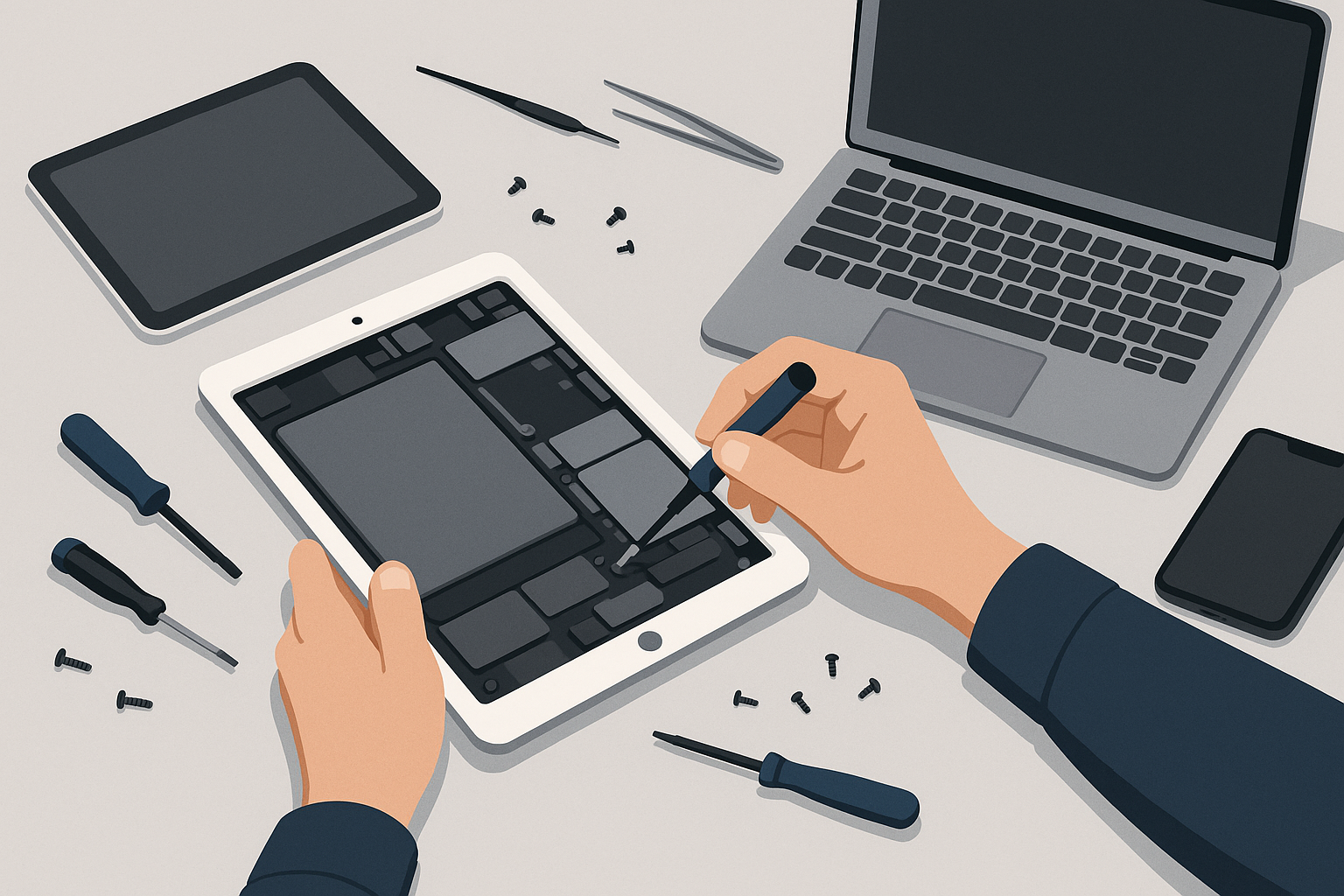
Why choose mobile iPad repair in DFW?
Mobile repairs save you time and reduce downtime. Instead of dropping your device at a store (and waiting for pickup), a FixVise technician comes to your home, office, or another convenient location. Mobile service is especially useful for:
- Busy professionals who can’t afford device downtime
- Parents with kids’ school schedules
- Businesses with multiple devices in need of repair
FixVise serves the Dallas–Fort Worth metroplex, including Dallas, Fort Worth, Plano, Arlington, Frisco, Irving, and nearby communities.
Common iPad problems we fix on-site
A mobile technician can handle most repairs at your location. Typical issues we repair include:
- Cracked or unresponsive touchscreens
- Battery draining quickly or not charging
- Faulty charging ports or broken buttons
- Overheating and performance slowdown
- Water exposure and liquid damage diagnostics
- Software issues and system troubleshooting
Many repairs are completed at your location the same day, using high-quality parts and professional diagnostic tools.
What to do before a mobile technician arrives
Preparing your iPad before a repair visit helps the job go faster and protects your data:
- Backup your data: Use iCloud or a computer backup (Finder/iTunes) so you don’t risk losing photos, notes, or settings. If you’re not sure how, our technician can walk you through the backup process.
- Power off the device if it’s wet or showing signs of water damage. Do not plug it in or try to charge it.
- Remove your case, SIM (if applicable), and any accessories.
- Note the passcode and Apple ID details — the technician may need your permission to test functionality. If you prefer not to share passwords, you can remain present while testing.
Signs your iPad needs professional repair
Look for these clear signs that professional help is needed:
- Large cracks or loss of touch responsiveness
- Device won’t power on or boot past the Apple logo
- Battery depletes unusually fast or won’t charge
- Frequent crashes, freezes, or apps failing to open
- Physical liquid exposure or corrosion around ports
Waiting too long can make damage worse and increase repair complexity, so it’s best to schedule a diagnosis as soon as you notice problems.
Choosing the right repair service
When someone types “iPad Repair near me,” compare providers on these factors:
- Technician certification and experience
- Use of quality parts and clear warranty on parts and labor
- Transparent pricing and diagnostic fees
- Convenience options like mobile service
- Local reputation and customer reviews
FixVise technicians are trained to work on all common iPad models, and we use quality components to restore functionality while protecting your data and device integrity.
Water damage: quick steps and realistic expectations
If your iPad has been exposed to water:
- Power it off immediately and do not charge it.
- Wipe away excess liquid and remove any case or accessories.
- Bring or schedule a FixVise technician to evaluate it as soon as possible. We perform diagnostic drying and board-level checks to determine salvageability.
Note: water damage outcomes vary depending on exposure time and the presence of corrosion. Fast action improves the chances of successful repair.
Repair vs replacement: when to repair
Repairing a damaged iPad is usually more cost-effective than replacing it, especially when the issue is a cracked screen, dead battery, or a single faulty component. Our technicians will give you an honest assessment and repair estimate so you can decide.
FixVise mobile repair — what to expect
- On-site diagnostics and transparent estimate before work begins
- Repairs completed at your location when possible
- Professional technicians who respect privacy and data
- Service across the Dallas–Fort Worth metroplex
Whether it’s a screen replacement, battery swap, or troubleshooting a charging issue, FixVise aims for a quick, convenient repair that gets your device back into service with minimal disruption.
Book an on-site iPad repair in Dallas–Fort Worth
If you’ve been searching for “iPad Repair near me,” FixVise brings the repair to you. Book a mobile technician to your home, office, or another convenient spot in the DFW area. Visit our website or call to schedule a same-day on-site diagnostic and repair appointment.
Get your iPad fixed where you are—contact FixVise today to schedule your mobile repair and get a clear, professional diagnosis on-site.